Automations
Follow up automatically, at exactly the right moment
Build flows on a visual canvas: welcome series, follow-ups, re-engagement and more. Each step shows how many people passed through it.
- Triggers for sign-ups, tags and field changes
- Waits, conditions and branches
- Live numbers on every step
TriggerCart abandoned · Shopify
1,240entered
Email · E-07You left something behind
61%opened
Wait1 day
ConditionPlaced an order?
Yes · 412Exit flow
No · 828Send 10% code
Example data
How it works
Automations in three steps
STEP 1
Pick a trigger
Someone subscribes, gets a tag, changes a field or abandons a cart.
STEP 2
Add steps
Emails, waits, conditions, tags and webhooks, connected on a canvas.
STEP 3
Turn it on
The flow runs by itself. Watch people move through each step.
Why it helps
What you get
Visual builder
See the whole flow at once and change any step with a click.
Branches
Send different follow-ups to people who opened, clicked or bought.
Numbers on every step
See how many entered, opened and finished, so you know where to improve.
Connect other tools
Send a webhook from any step to your CRM, sheet or Slack.
Templates
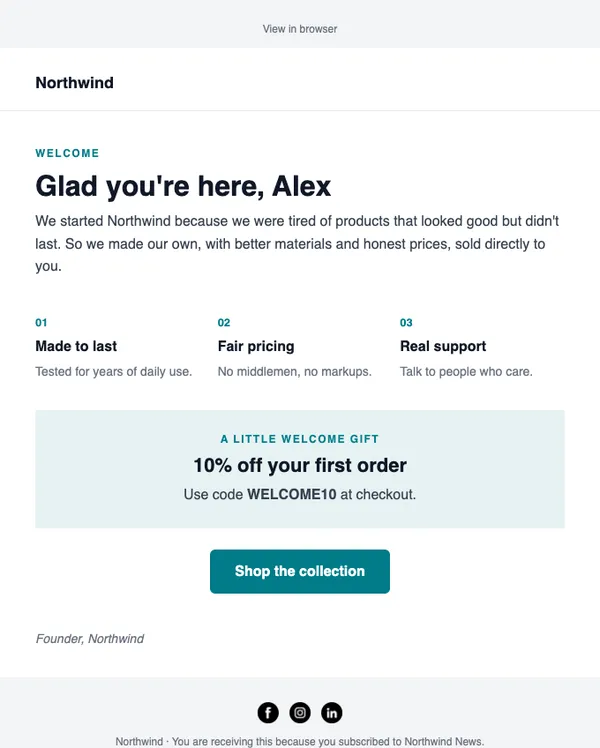
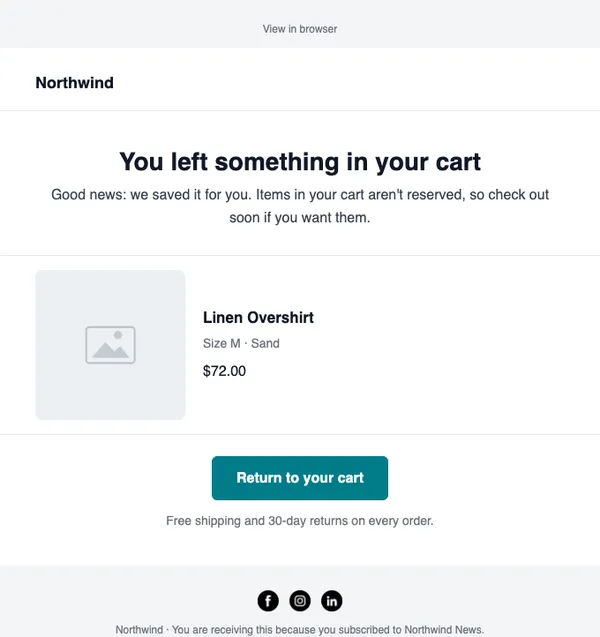
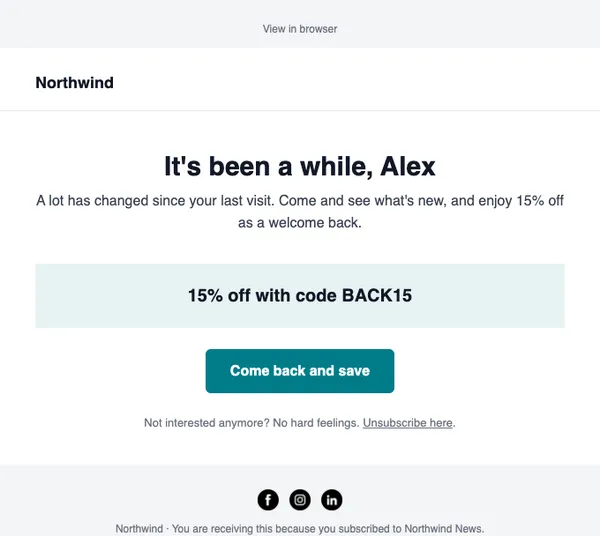
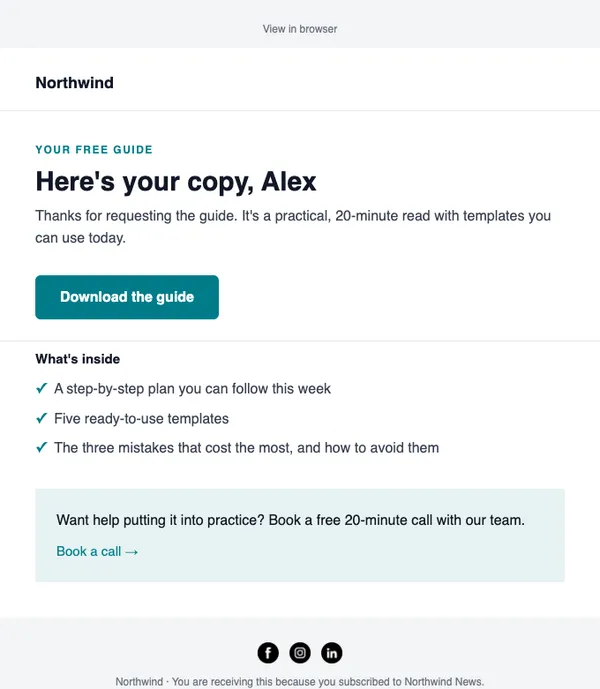
See all templatesStart with these layouts
Can someone be in more than one automation?
Yes. Each automation runs on its own.
Can I edit a flow that is running?
Yes. Pause it, make changes and turn it back on.
Send your first campaign today
Free plan, no card needed. Upgrade when your list grows.