Brand kit
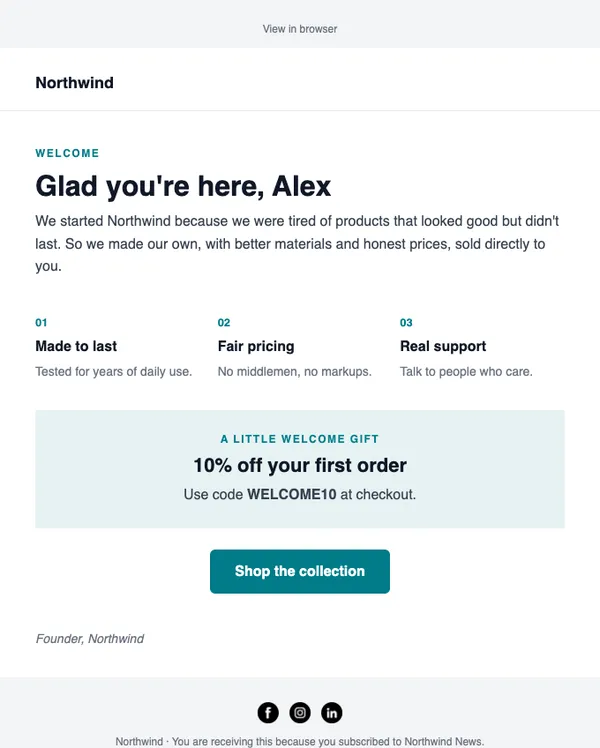
Every email looks like your brand from the start
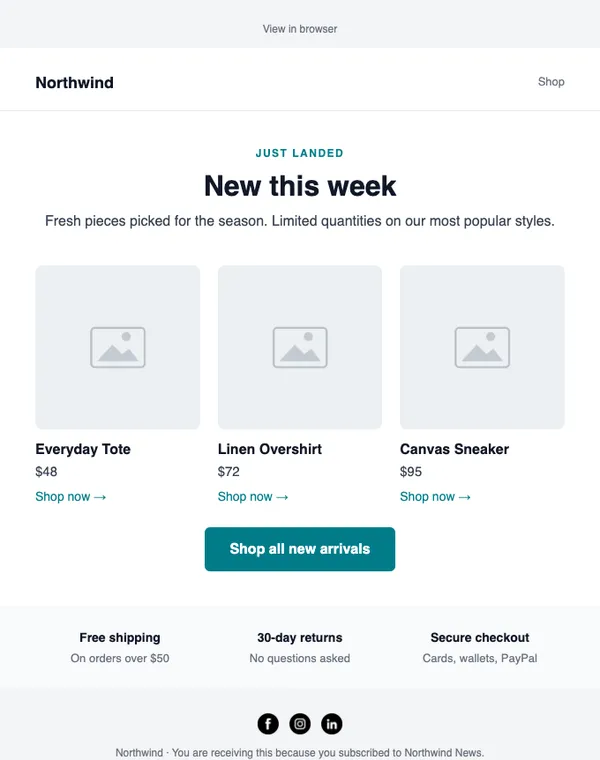
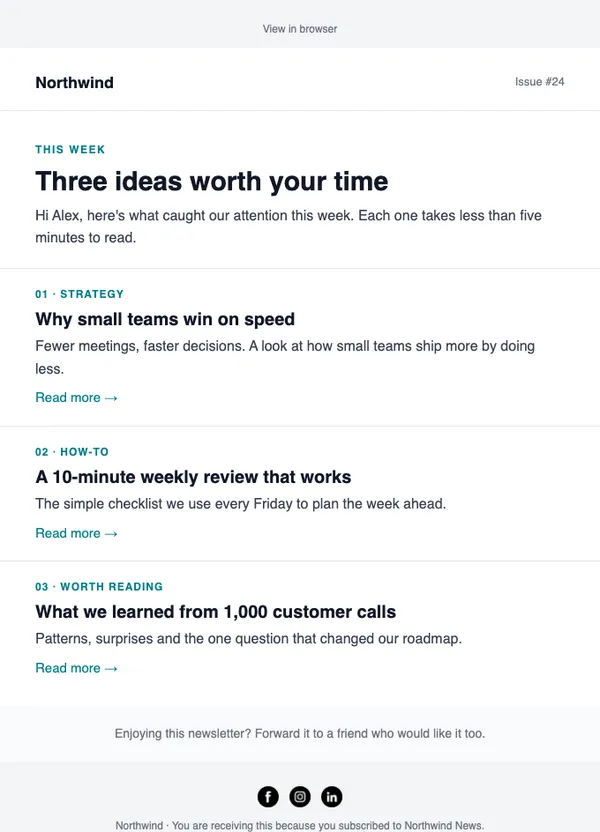
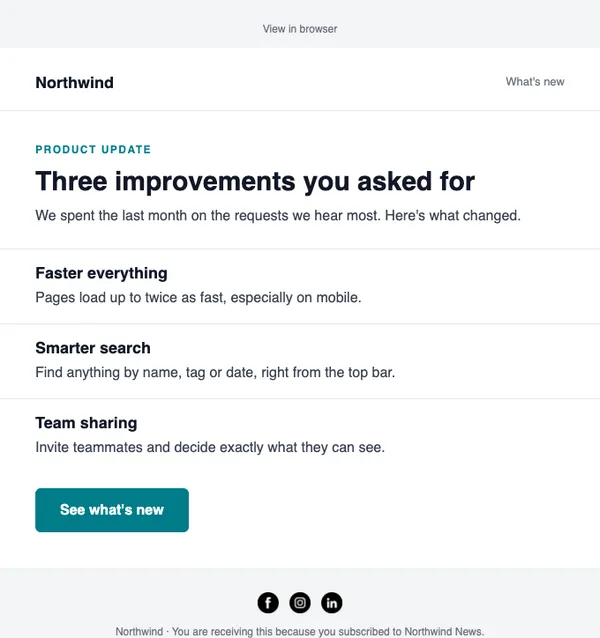
Save your logo, colors, fonts and social links once. Every template you open from the catalog is already in your brand.
- Logo, colors and fonts
- Social links in every footer
- Applied to new templates automatically
Bloom StudioLogo
Main
Dark
Light
FontGeorgia · Aa Bb Cc
Example data
How it works
Brand kit in three steps
STEP 1
Upload your logo
It replaces the placeholder name at the top of every template.
STEP 2
Pick colors and a font
Your brand color, an email-safe font and button style.
STEP 3
Add social links
Instagram, Facebook, LinkedIn, X, YouTube and TikTok show up in the footer.
Why it helps
What you get
Consistent by default
No more fixing colors in every new email.
Apply to an open email
Use “Apply my brand” inside the editor on any email.
Great for agencies
Each client account keeps its own brand kit.
Saved blocks
Pair your brand kit with saved headers and footers.
Templates
See all templatesStart with these layouts
Does the brand kit change emails I already made?
No. It applies to templates you open from now on, and to any email where you press “Apply my brand”.
Send your first campaign today
Free plan, no card needed. Upgrade when your list grows.