Turn more visitors into subscribers
Popups that appear at the right moment: straight away, after a few seconds, when someone clicks a button, or when they are about to leave.
- First-order discount and free guide popups
- Delay, click and exit-intent triggers
- Published to your site with one snippet
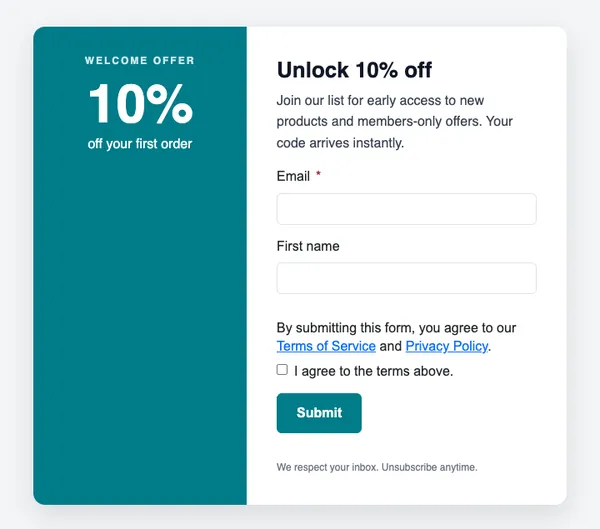
10% off your first order
Join 12,000 people who get our new drops first.
Example data
Popups in three steps
Choose a popup
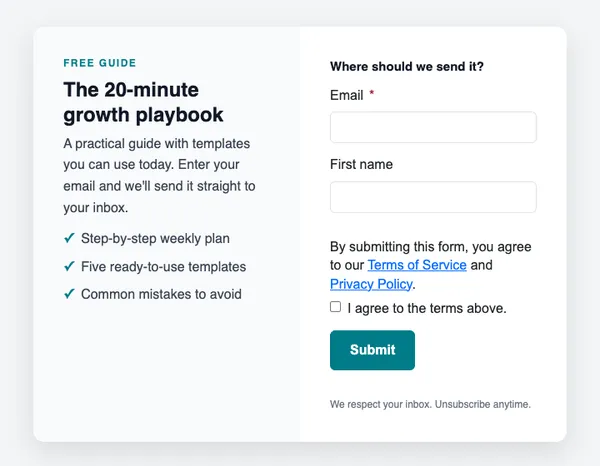
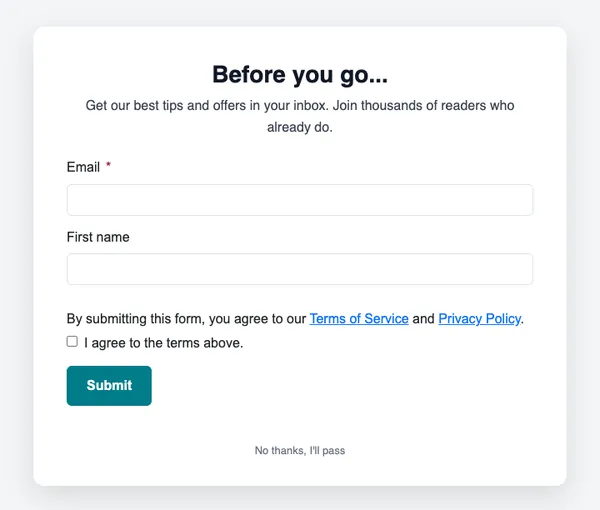
First-order discount, free guide or “Before you go”.
Set when it shows
Straight away, after a delay, when a button is clicked, or when the visitor is about to leave.
Publish
Add one snippet to your site and switch the popup on.
What you get
Proven offers
Discounts and free guides are reliable ways to grow a list.
Polite timing
Show it on the first visit only, after a delay, on a click or as the visitor leaves.
Straight to your list
Every sign-up joins the list you chose, with double opt-in if you want it.
Delivers the reward
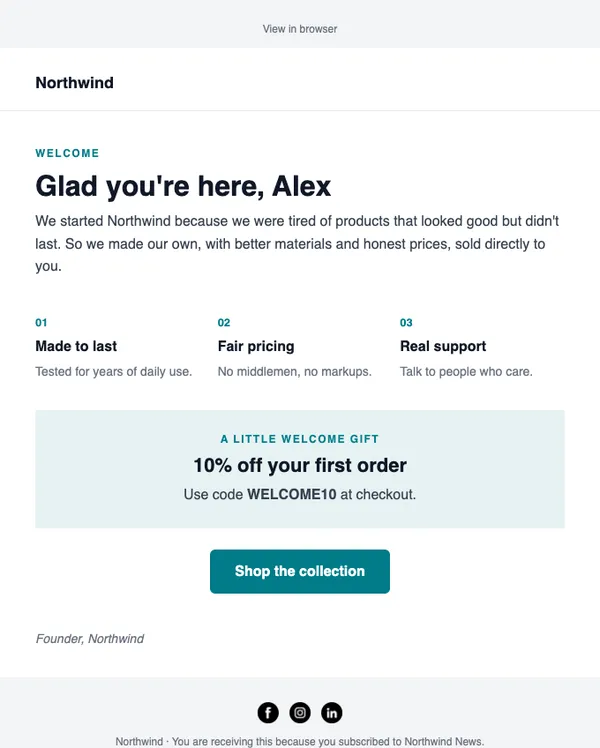
The welcome email sends the code or guide automatically.
Start with these layouts
Will popups annoy my visitors?
Pick a gentle trigger. “First visit only” shows the popup once per visit, and exit intent only appears when someone is about to leave.
Send your first campaign today
Free plan, no card needed. Upgrade when your list grows.