Run email for every client from one login
Workspaces give each client or brand their own space, with separate lists, campaigns, sending domains and reports. Switch between workspaces in one click from the top bar, see every client on one dashboard, and let clients approve campaigns before anything is sent.
- A separate workspace for each client or brand
- Workspace switcher and all-workspaces dashboard
- Client approval before campaigns go out
- One plan and one bill for every client
Example data
What gets easier with SendCoop
Workspaces
Create a workspace in seconds and switch between workspaces from the top bar. Each one keeps its own contacts, campaigns, domains and reports, fully separate from the others.
All clients on one dashboard
Contacts, emails sent, human open and click rates, and deliverability status for every client, side by side for the last 30 days.
Client approval
Turn on approval for a client and campaigns can’t be sent or scheduled until the client approves them in the app. Any later change needs a new approval.
One plan, one bill
Clients run on your plan and share its contacts and sending credits, so there is nothing for clients to pay or manage. Pro includes 25 workspaces.
Four emails to set up first
Start with these and most of your email marketing runs on its own.
Create the workspace
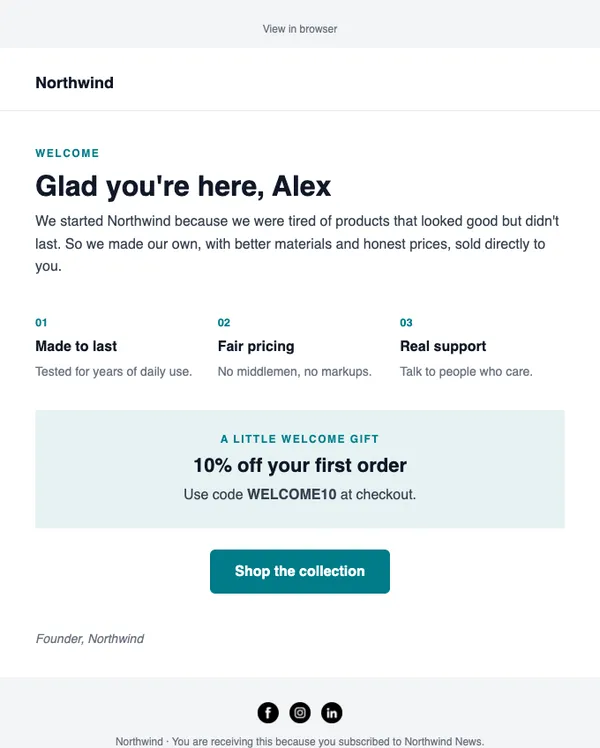
Create a workspace for the client, give your team access, and set up their brand kit and sending domain inside it.
Invite the client
Add people from the client with the Client role: they can see campaigns and reports and approve emails, without changing anything.
Send for approval
Build the campaign, send it for approval, and launch it as soon as the client says yes.
E-17Product update Review every client at once
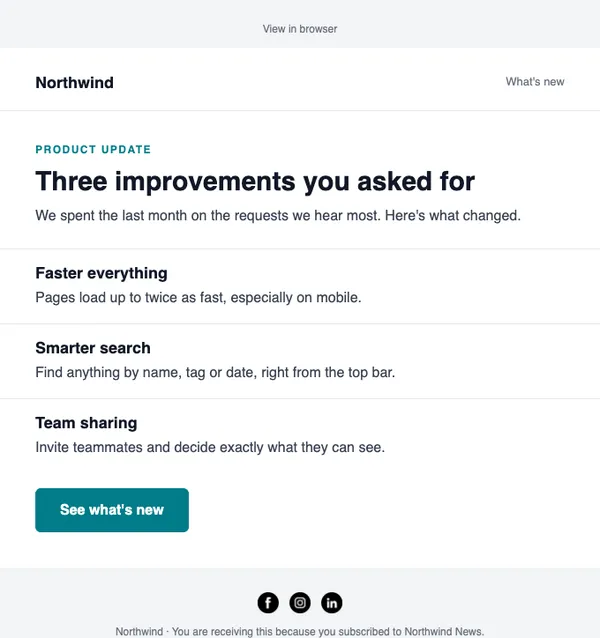
The agency dashboard shows sends, opens, clicks and deliverability for each client, so reviews take minutes.
Templates agencies and teams use most
Works with your tools
Can I give a client view-only access?
Yes. The Client role lets people view campaigns, lists and reports and approve campaigns, without being able to change or send anything.
Do clients need their own plan?
No. Workspaces run on your plan, share its contacts, sending credits, AI generations and domains, and are billed to you. Every plan includes workspaces: Free 1, Starter 3, Own SMTP 3, Growth 10 and Pro 25. Need more than 25? Get in touch.
Are clients kept apart?
Yes. Each client has a separate workspace: contacts, campaigns, sending domains, API keys and reports are never shared between workspaces.
Can I connect client CRMs?
Yes. Create an API key inside the client’s workspace, or use Zapier, Pabbly, Make or n8n for tools without a direct integration.
Other ways teams use SendCoop
Send your first campaign today
Free plan, no card needed. Upgrade when your list grows.