Start from a layout that already works
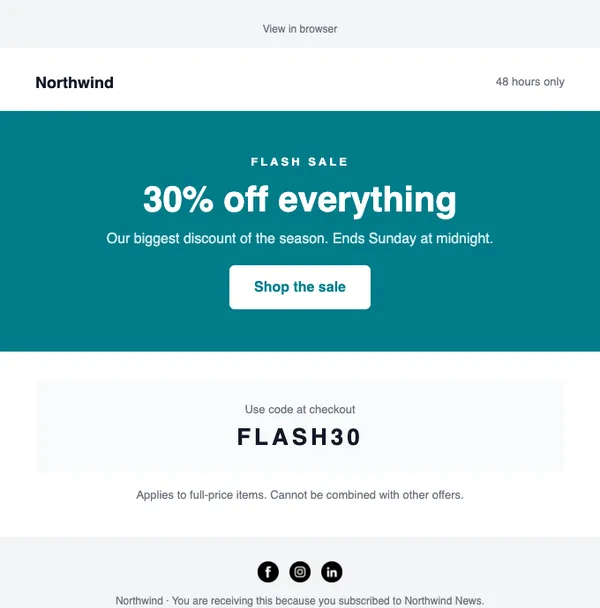
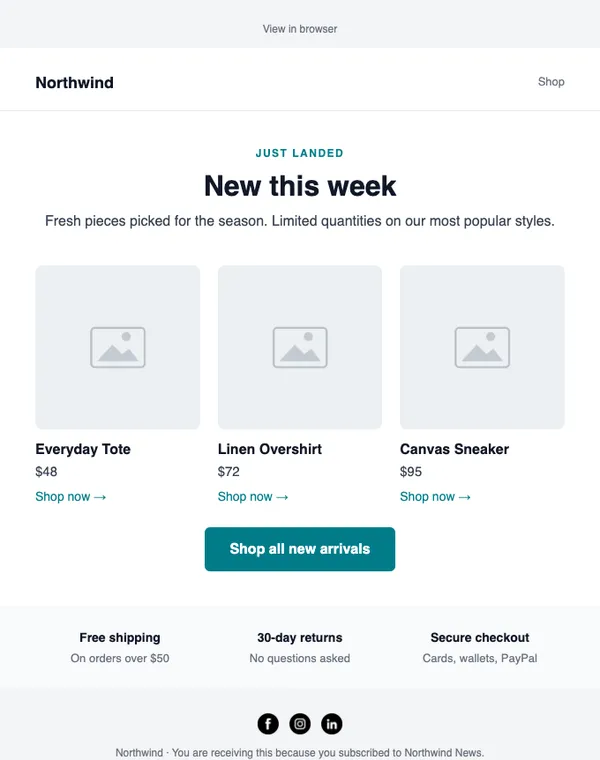
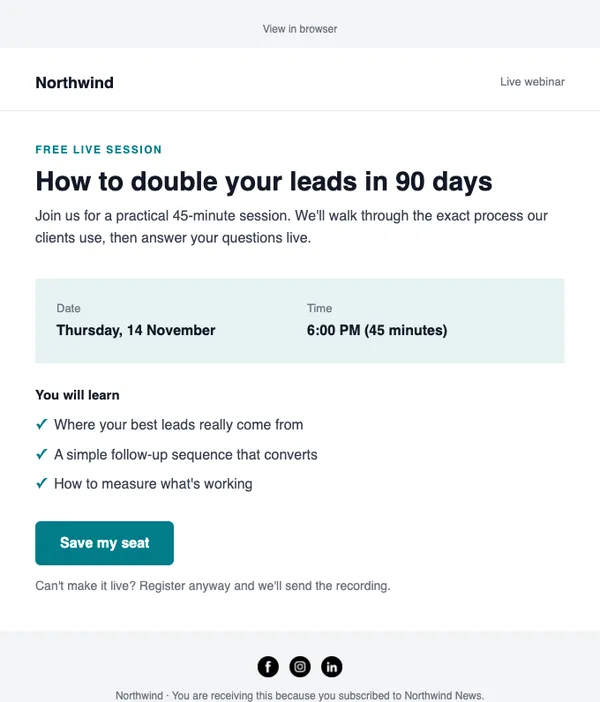
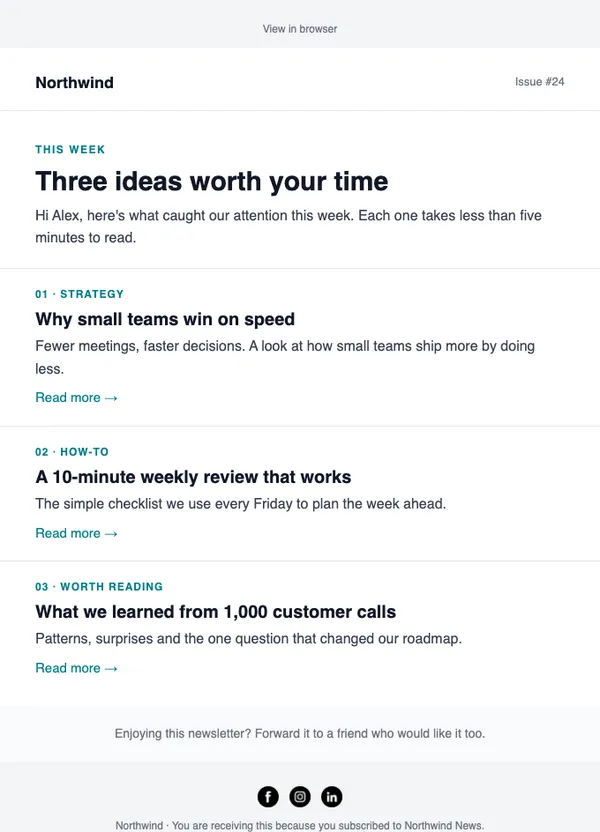
17 professional email layouts and 7 sign-up forms and popups, each with a code like E-04, so you can open it, fill it with products or ask AI to write it.
- Sales, launches, newsletters and lead magnets
- Add products from your store
- Brand kit applied automatically
- Forms and popups catalog too
Example data
Template catalog in three steps
Pick a layout
Filter by Promotional, Store, Newsletter, Lead gen, Affiliate and more.
Make it yours
Your logo, colors and fonts are applied automatically. Add your products.
Write it with AI or by hand
Describe the offer and AI fills every headline and button, or edit it yourself.
What you get
Clean, light designs
Text-first layouts that load fast and land in the inbox, with few heavy images.
Every design has a code
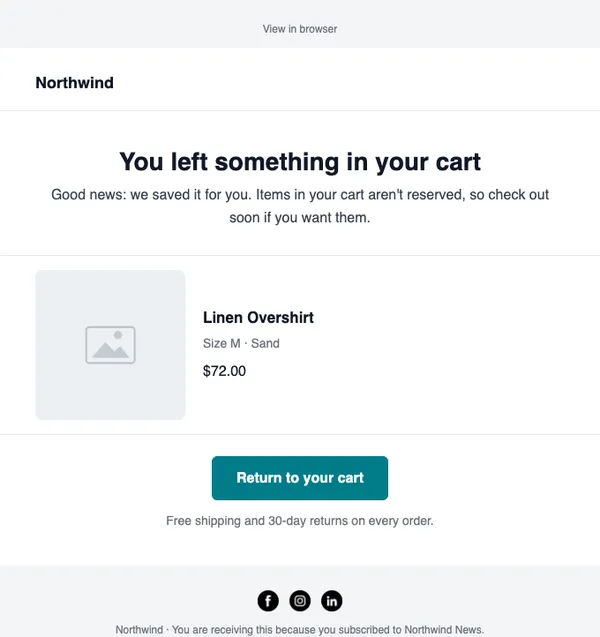
Ask for “E-07” and you get the abandoned-cart layout, in the app or with AI.
Store-ready
Product grids and spots you can fill from Shopify or WooCommerce.
Forms and popups too
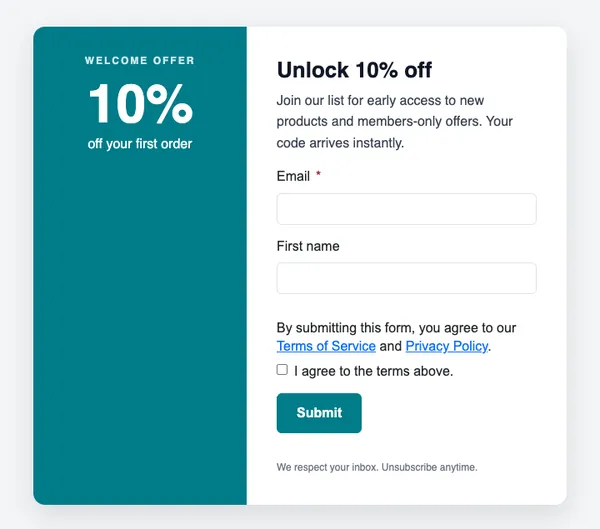
Newsletter sign-ups, discount popups, lead magnets and exit popups.
Start with these layouts
Are templates included on the free plan?
Yes. Every design in the catalog is available on every plan.
Can I save my own templates?
Yes. Save any email as a template and reuse it for future campaigns.
Send your first campaign today
Free plan, no card needed. Upgrade when your list grows.