E-02 · Newsletter
Weekly digest
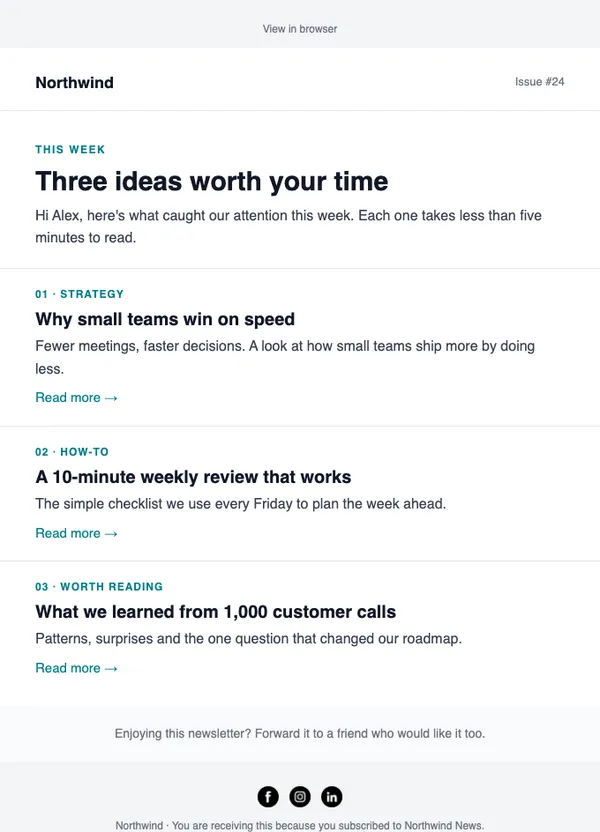
Three short stories with “Read more” links. Easy to skim on a phone.
- Good for weekly or monthly newsletters
- Good for blog round-ups
- Good for curated links
Free on every planYour brand appliedMobile-ready
How to use it
From template to sent in three steps
STEP 1
Open the catalog
In SendCoop, go to Campaigns → Campaign catalog and pick E-02. Your brand kit is applied.
STEP 2
Fill it in
Add products from your store, edit the text yourself, or give AI a one-line brief.
STEP 3
Check and send
Run the inbox score, send yourself a test, then send or schedule it.
Tips
Getting the most from a newsletter email
When to send: Weekly or monthly, on the same day each time, so readers learn when to expect you.
Read about campaignsThree tips
- Lead with the most useful story, not the newest.
- Keep each story to two or three lines and a “Read more” link.
- Add one personal line at the top so it feels written by a person.
Subject lines to try
- 3 things worth your time this week
- What we learned from 1,000 orders
- Your Friday reading list
AI can write more in your brand voice.
Keep browsing
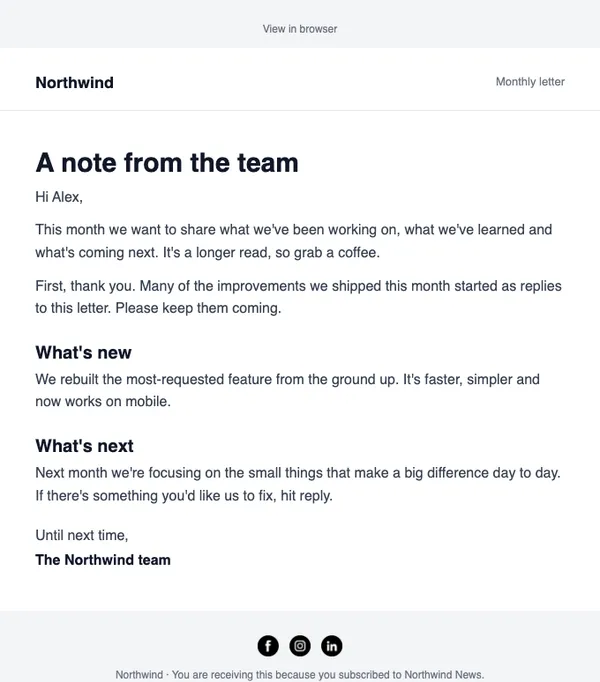
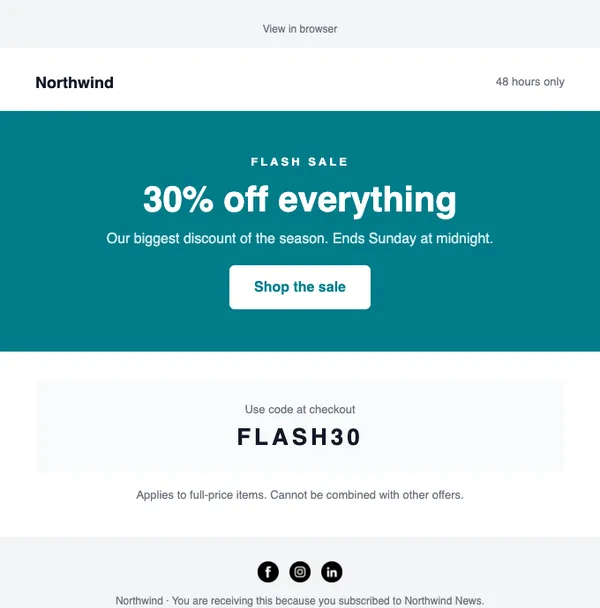
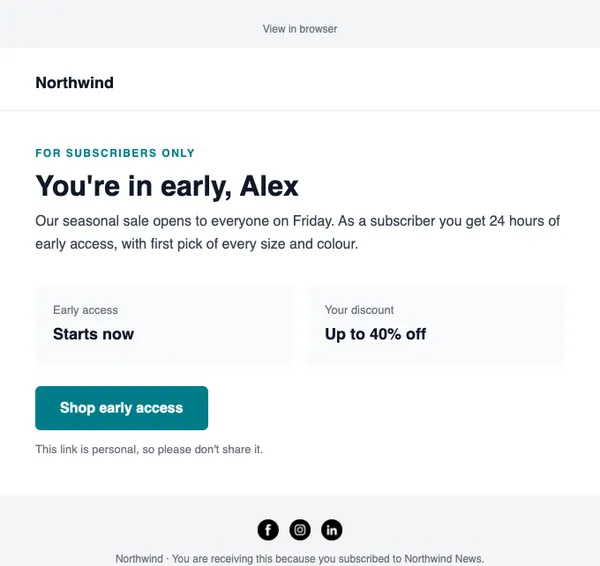
All templatesMore email templates
Use this template free
Every design is included on every plan, including the free one.