Build beautiful emails without writing code
Drag in ready-made sections, swap the text and images, and every email works on phones and desktops without extra effort.
- Ready-made sections and blocks
- Save your own blocks to reuse
- Desktop and mobile preview
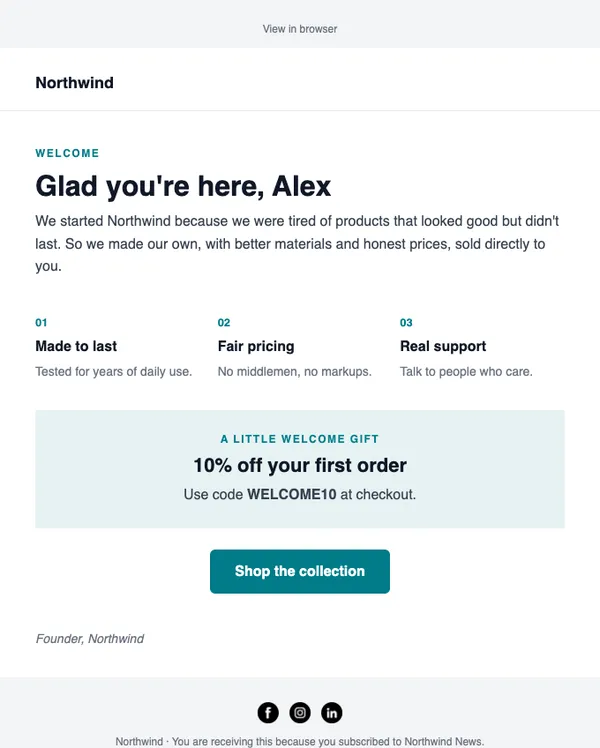
- Personalize with merge tags
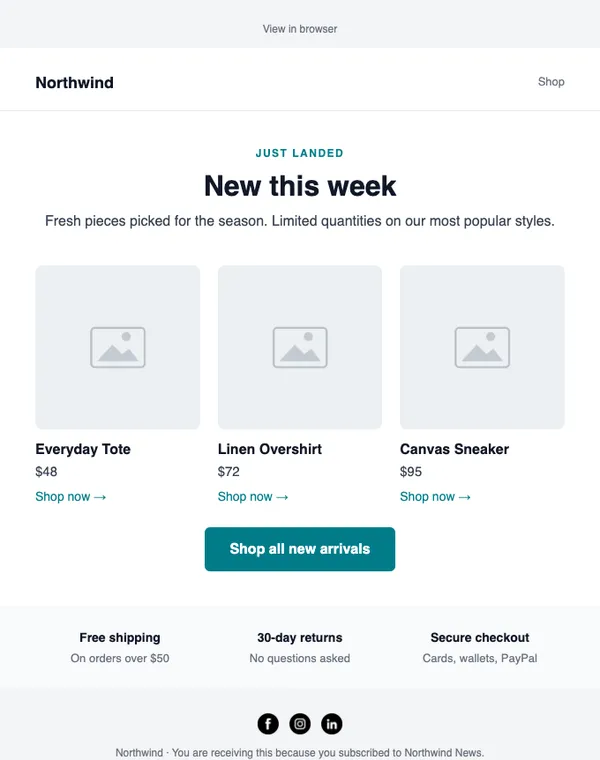
Example data
Email editor in three steps
Start from a layout or a blank page
Open any catalog template or start empty.
Drag in sections
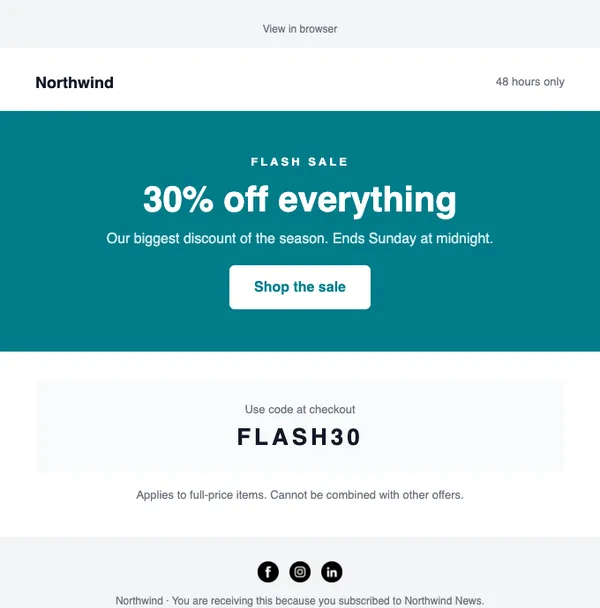
Headers, hero banners, product grids, discount codes, testimonials and footers.
Preview and save
Check desktop and mobile, then use it in a campaign or automation.
What you get
Ready-made sections
Professional blocks for every part of an email, styled to match your brand kit.
Save your own blocks
Save a header, footer or product row once and reuse it in any email.
Products from your store
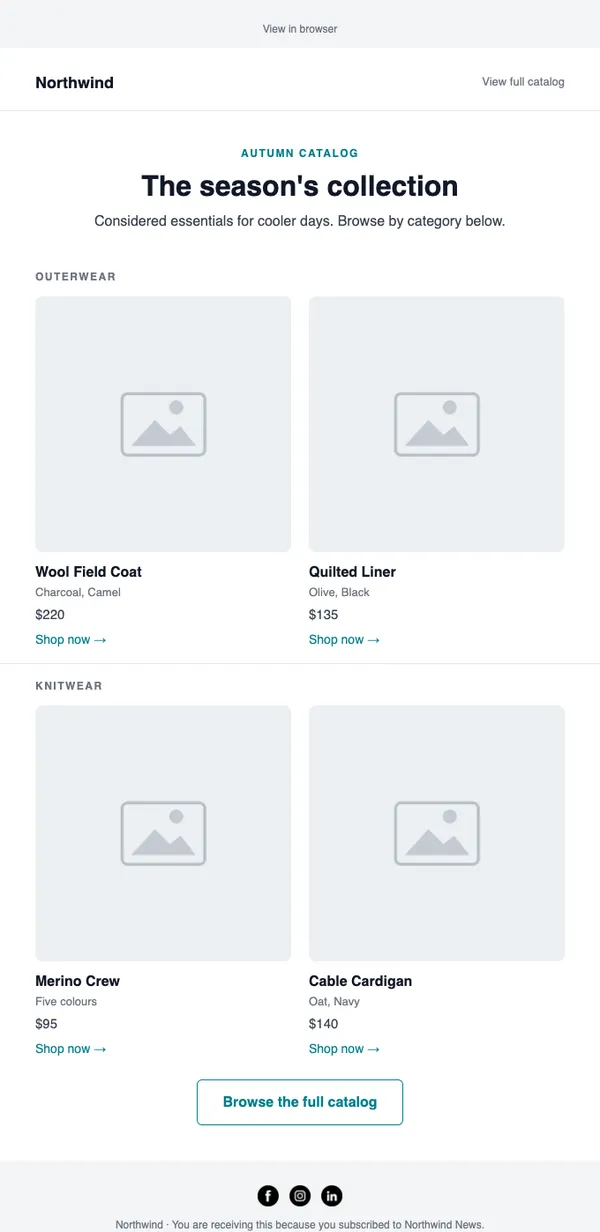
Store layouts in the catalog fill with product names, prices, images and links.
Personalization
Add first names, custom fields and other merge tags anywhere in the email.
Start with these layouts
Do I need to know HTML?
No. Everything is drag and drop. If you do know HTML, you can export the email or work in code.
Will my emails look right on phones?
Yes. Every block stacks neatly on small screens, and you can preview the mobile view before sending.
Send your first campaign today
Free plan, no card needed. Upgrade when your list grows.