Revenue tracking
See exactly how much each email earned
Connect Shopify or WooCommerce and every order is matched to the email that led to it. Affiliate postbacks and ad trackers are built in.
- Revenue per campaign and per flow
- Affiliate offers and postbacks
- Ad conversion trackers
Revenue from email$48,230
Orders312
Average order$155
| Order | Customer | From email | Store | Amount |
|---|---|---|---|---|
| #10482 | Emma Clarke | Fall sale | Shopify | $345 |
| #10479 | Kabir Mehta | Abandoned cart | Shopify | $218 |
| #W-2291 | Sofia Alvarez | New arrivals | Woo | $129 |
| #10471 | Dev Malhotra | Fall sale | Shopify | $596 |
Example data
How it works
Revenue tracking in three steps
STEP 1
Connect your store
Or set up sales tracking on your own checkout.
STEP 2
Send as usual
Links in your emails carry a click ID to your store.
STEP 3
See the money
Revenue appears on the dashboard, each campaign and each automation.
Why it helps
What you get
Revenue per email
Know which campaigns and flows are worth repeating.
Affiliate postbacks
Track offers from affiliate networks back to each email.
Ad trackers
Send conversions from email to your tracker with a postback URL.
Any date range
Compare weeks, months or custom ranges in your time zone.
Templates
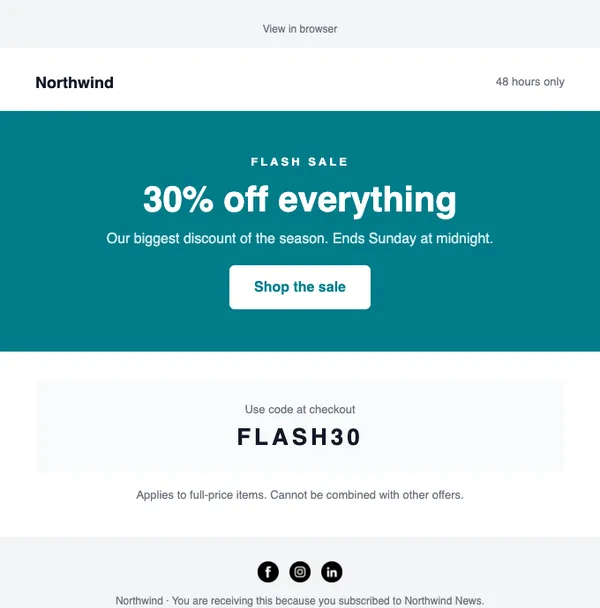
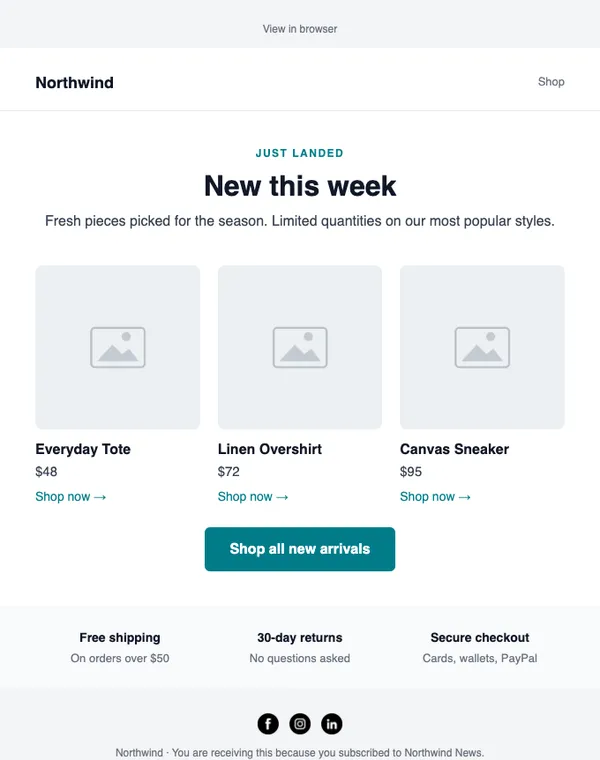
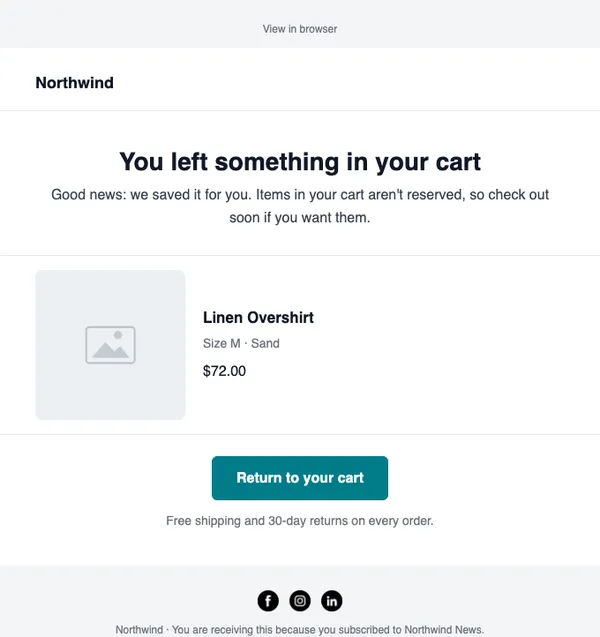
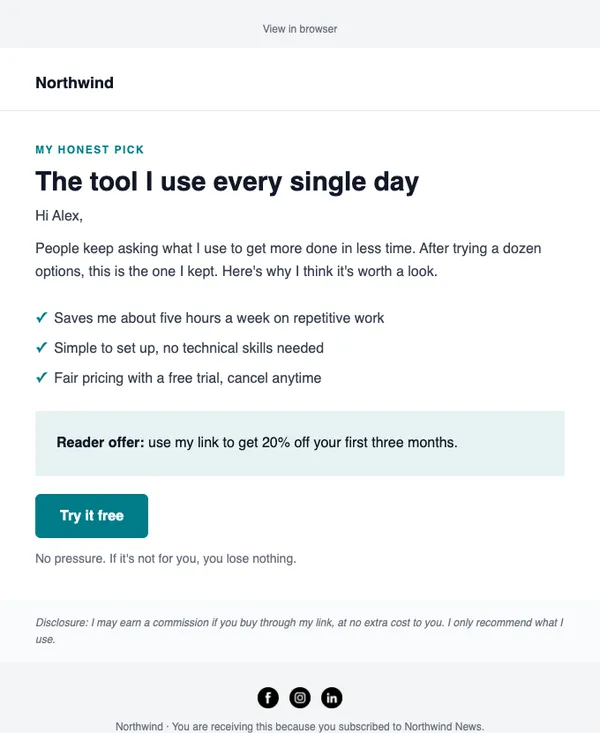
See all templatesStart with these layouts
Which stores are supported?
Shopify and WooCommerce connect directly. Other checkouts can use sales tracking with a postback.
Send your first campaign today
Free plan, no card needed. Upgrade when your list grows.