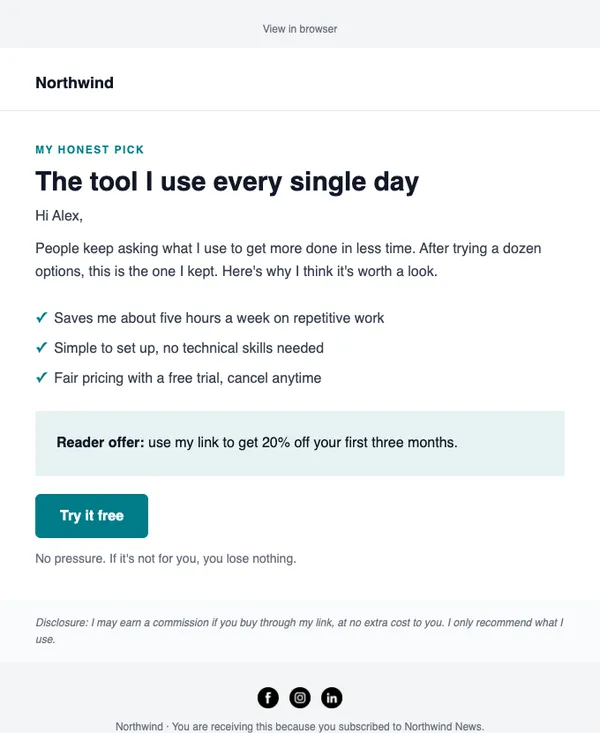
E-15 · Affiliate
Personal recommendation
A first-person recommendation of one product, with why you trust it.
- Good for affiliate offers
- Good for tool recommendations
- Good for partner promotions
Free on every planYour brand appliedMobile-ready
How to use it
From template to sent in three steps
STEP 1
Open the catalog
In SendCoop, go to Campaigns → Campaign catalog and pick E-15. Your brand kit is applied.
STEP 2
Fill it in
Add products from your store, edit the text yourself, or give AI a one-line brief.
STEP 3
Check and send
Run the inbox score, send yourself a test, then send or schedule it.
Tips
Getting the most from a affiliate email
When to send: When you have an offer you genuinely recommend, and no more than you would send a friend.
Read about revenue trackingThree tips
- Say who the offer is for and who should skip it.
- Disclose that you may earn a commission.
- Track each link with a postback so you can see what readers actually buy.
Subject lines to try
- The tool I actually use for this
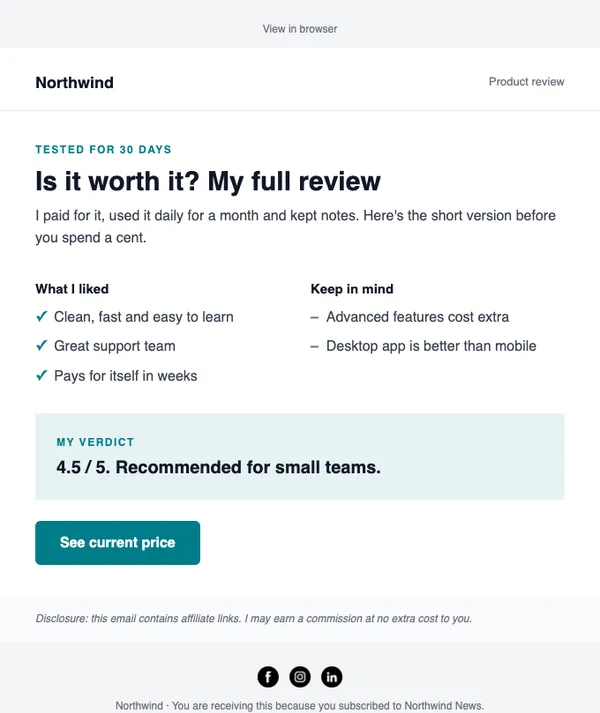
- Honest review: is it worth it?
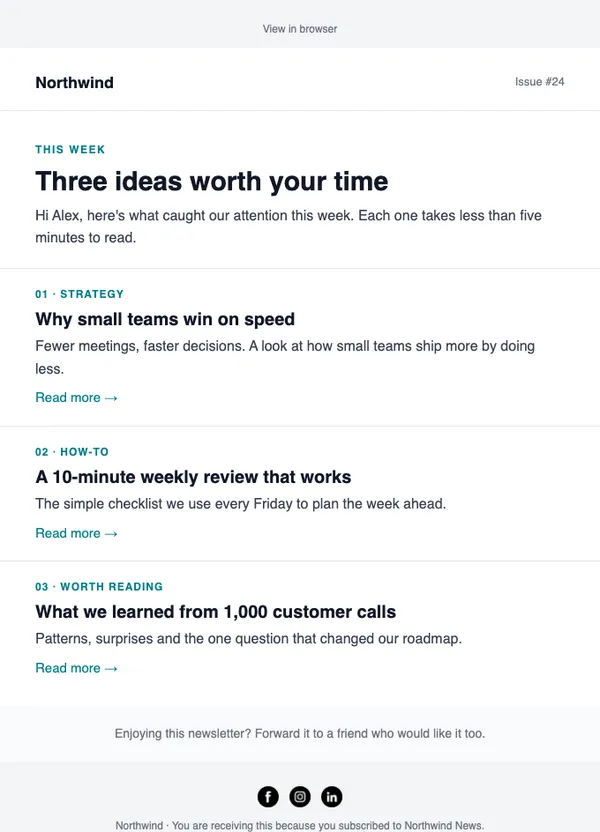
- Three options compared
AI can write more in your brand voice.
Keep browsing
All templatesMore email templates
Use this template free
Every design is included on every plan, including the free one.