E-10 · DTC
Product launch
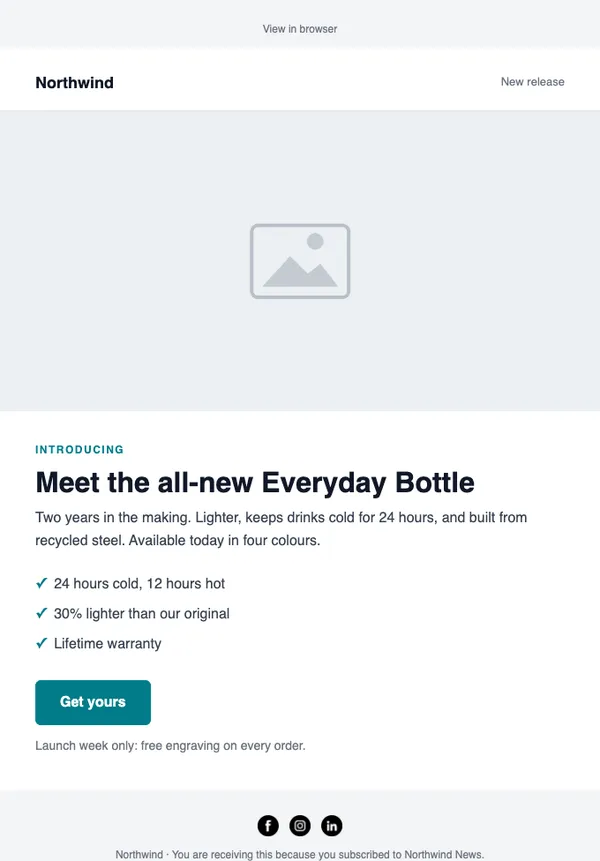
A hero product, the three reasons it is better, and a launch-day button.
- Good for new products
- Good for pre-orders
- Good for kickstarter-style launches
Free on every planYour brand appliedMobile-ready
How to use it
From template to sent in three steps
STEP 1
Open the catalog
In SendCoop, go to Campaigns → Campaign catalog and pick E-10. Your brand kit is applied.
STEP 2
Fill it in
Add products from your store, edit the text yourself, or give AI a one-line brief.
STEP 3
Check and send
Run the inbox score, send yourself a test, then send or schedule it.
Tips
Getting the most from a dtc email
When to send: Right after someone subscribes, and when you launch something new.
Read about welcome seriesThree tips
- Tell people why your brand exists in two or three sentences.
- Show one best-seller or the new product, not the whole catalog.
- Deliver any promised discount code in the first email.
Subject lines to try
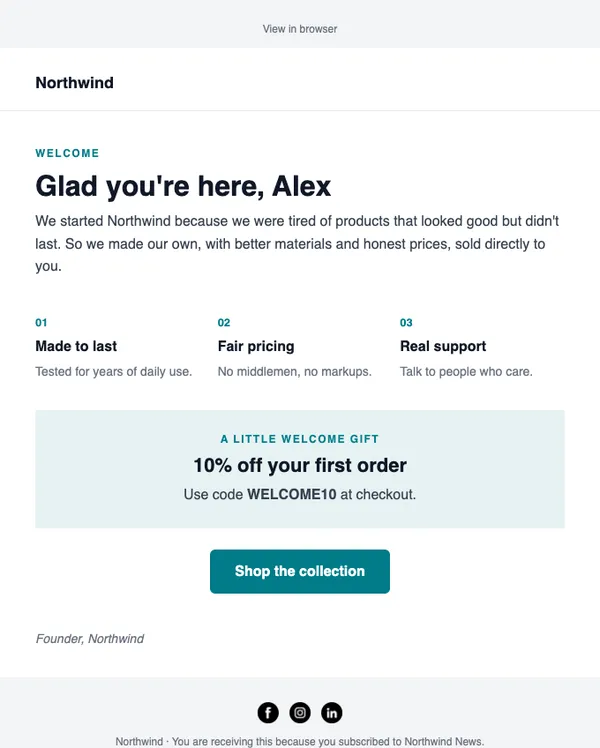
- Welcome, here’s 10% off your first order
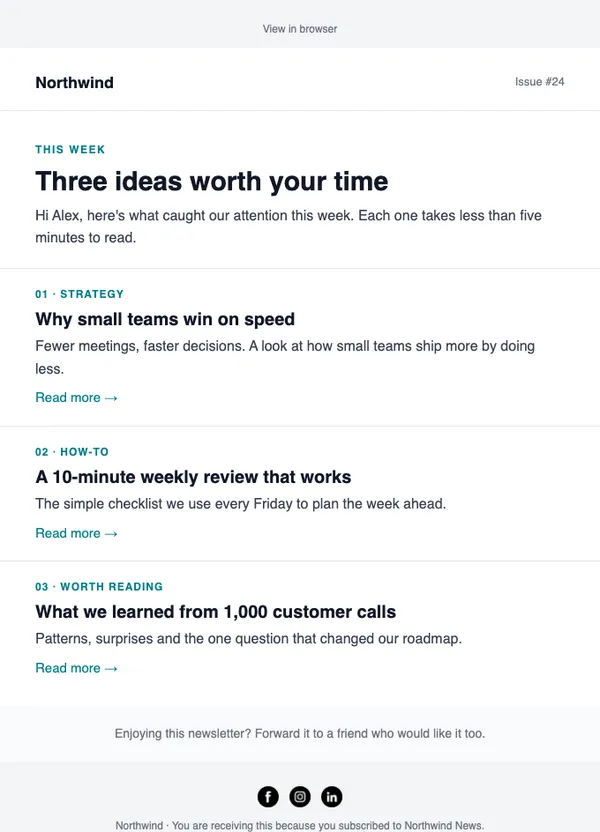
- Why we started
- It’s here: meet the new range
AI can write more in your brand voice.
Keep browsing
All templatesMore email templates
Use this template free
Every design is included on every plan, including the free one.