Know which email earned every commission
Add your affiliate offers once. SendCoop puts a unique click ID in every link, your network sends the sale back with a postback, and the commission is credited to the exact email and subscriber.
- Offers with an automatic sub-ID on every click
- One postback URL for every network
- Stop follow-ups when a subscriber buys
- Send leads and sales on to your ad tracker
| Offer | Network | Sales | Revenue |
|---|---|---|---|
| Keto meal plan | ClickBank | 38 | $1,862 |
| Home workout course | Digistore24 | 21 | $1,134 |
| Budget planner app | Other | 14 | $406 |
Example data
Affiliate tracking in three steps
Add your offer
Paste your affiliate link and put {sc_cid} in the network’s sub-ID parameter.
Add one postback
Paste your SendCoop postback URL into the network once and map the click ID, payout and transaction ID.
Insert and send
Drop the offer’s tag into any campaign or automation. Every click carries its own ID.
How a click becomes a credited commission
No pixels on the vendor’s page and no guessing. The click ID travels with the sale and comes back to SendCoop.
- 1Email goes out
Your offer link sits in a campaign or automation.
- 2Subscriber clicks
SendCoop adds a unique click ID to that click.
sub1=8f3a2c - 3They buy
The network records the sale with the same click ID.
- 4Network postback
The network calls your SendCoop postback URL.
cid=8f3a2c&amount=49 - 5Credited
The sale lands on the email and subscriber. Buyer tagged, follow-ups stop.
Two things to paste, then it runs itself
Put {sc_cid} in the network’s sub-ID parameter. SendCoop swaps it for a unique click ID on every click.
https://network.com/click?offer=123&sub1={sc_cid}- Insert the offer’s tag in any email or automation
- Optional default payout and a tag for buyers
One URL for every offer in your account. Replace each value with your network’s macro:
https://app.sendcoop.com/…/postback?cid=REPLACE&amount=REPLACE&txid=REPLACE| cid | the sub-ID you put {sc_cid} in |
|---|---|
| amount | your payout for the sale |
| txid | the network’s transaction ID |
GET and POST both work. Presets fill this in for the networks below.
Ready for the networks and trackers you use
Presets show exactly which parameter carries the click ID. Anything with a sub-ID and a postback works too.
Affiliate networks
tidcidtidsrclink pathits sub-IDAd trackers
Send a test lead from SendCoop and check it in your tracker before turning it on.
Selling your own product? Track it too
Add the SendCoop snippet to your site. When a subscriber clicks an email, the click is remembered on your site for 30 days. Report the sale on your thank-you page and it is credited to the email that sent them.
- Adding an order ID prevents double counting
- Track sign-ups, downloads or any goal with your own event name
<script>
sendcoop('sale', {
  value: 49.00,            // order total
  currency: 'USD',
  description: 'Pro plan', // optional
  order_id: 'ORDER-1001'   // optional
});
</script>Show your ad tracker the revenue email earns later
Paid traffic often looks unprofitable because the money comes days later, from email. SendCoop sends it back to the click that started it.
- 1Ad click
Your tracker sends the visitor to your landing page with its click ID.
- 2Sign-up
The SendCoop form saves the click ID with the new subscriber.
- 3Lead postback
SendCoop tells your tracker about the lead, once.
- 4Email sales
Every later sale from your emails goes back with the payout.
{click_id}{payout}{txid}{event}{currency}What you get
Revenue per email and offer
Sales and revenue for every offer, campaign and automation, in one report.
Tag your buyers
Subscribers who convert get a tag, so you can thank them and stop pitching what they already bought.
Stop when they buy
Automations check before each email and let converted subscribers leave the flow.
True ROI for your ads
Leads and later email sales go back to your ad tracker with the original click ID.
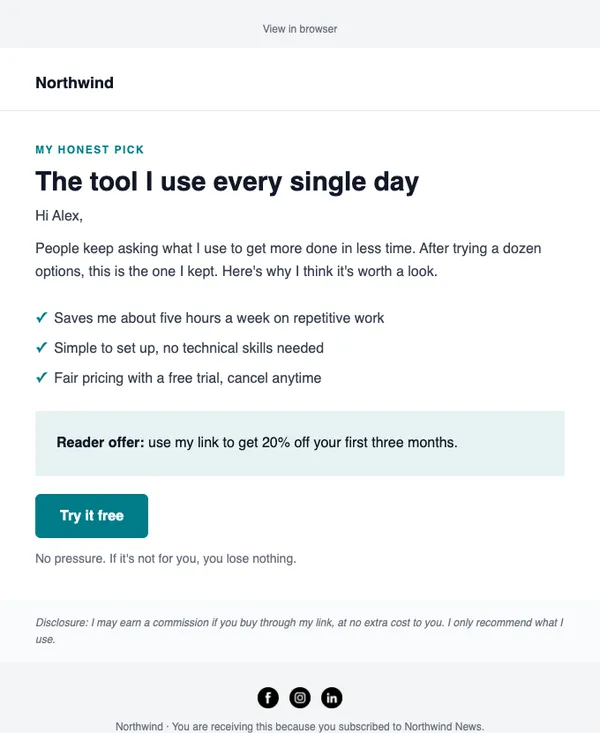
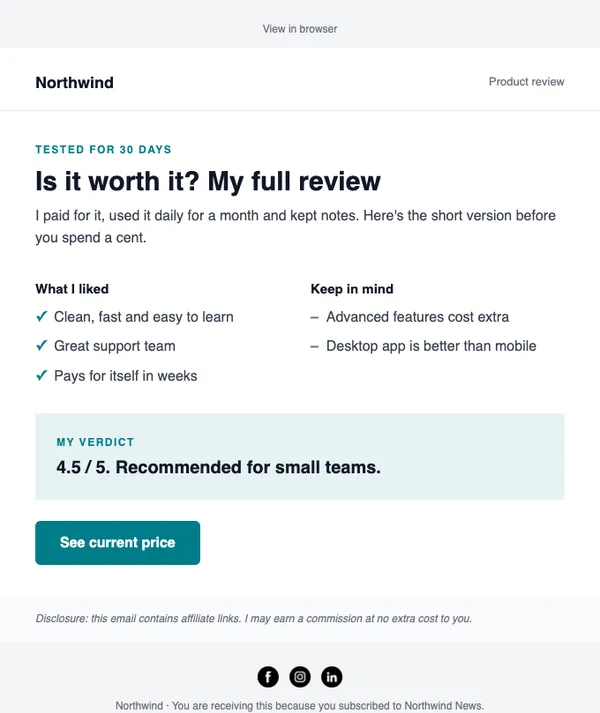
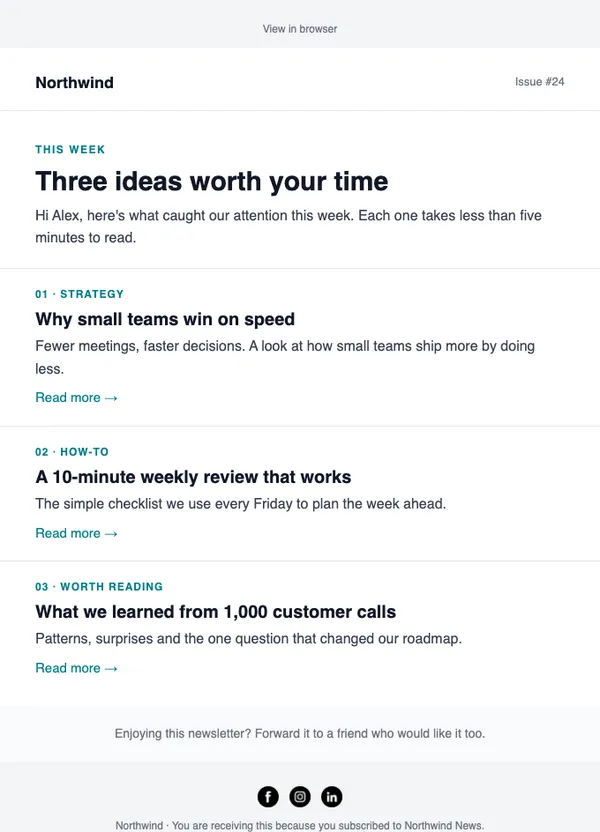
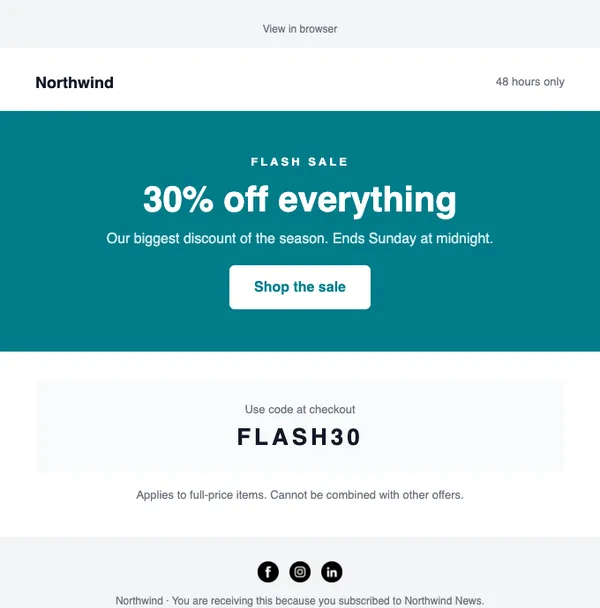
Start with these layouts
Which affiliate networks work?
Any network that supports a sub-ID and a postback (also called S2S or server-to-server) URL. SendCoop has presets for ClickBank, Digistore24, JVZoo, Hotmart and WarriorPlus that show which parameter to use.
What if my network does not send the payout?
Set a default payout on the offer. It is used whenever the network leaves the amount out.
Do I need a developer?
No. You paste your affiliate link, then paste one postback URL into your network. For sales on your own website, you add a short snippet to your thank-you page.
Which ad trackers are supported?
There are presets for UTMCAP, Voluum, RedTrack, Everflow and Binom, and any other tracker works with its postback URL. Send a test lead before turning it on.
Send your first campaign today
Free plan, no card needed. Upgrade when your list grows.