E-08 · Store
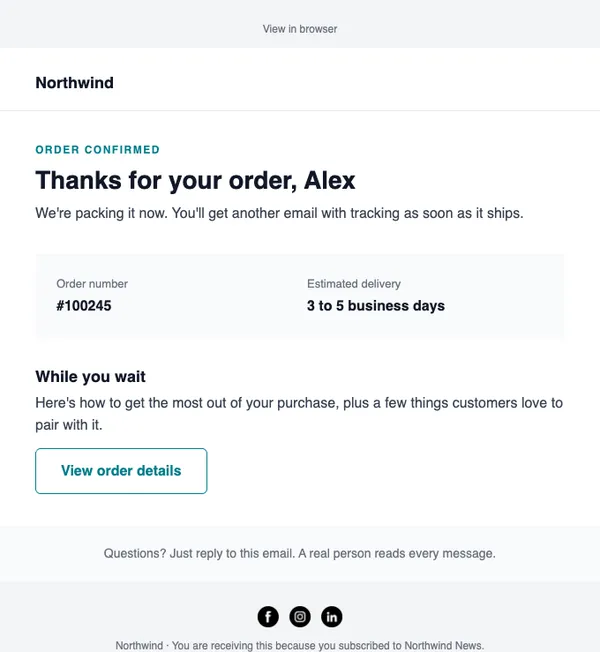
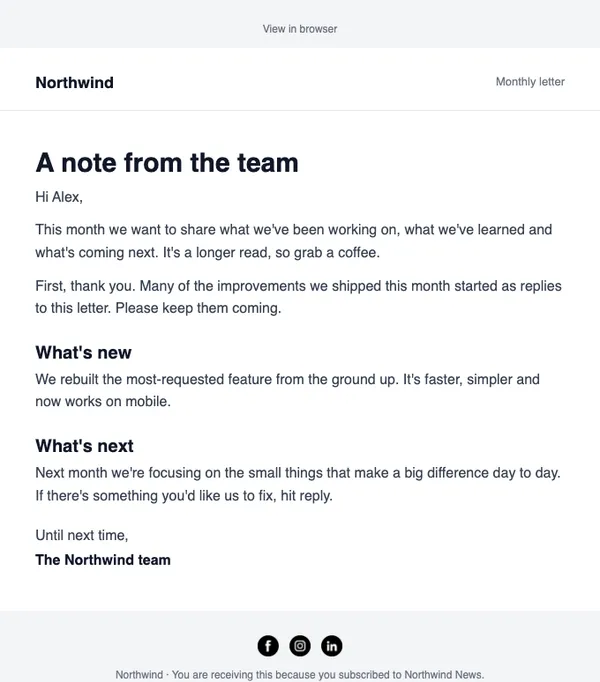
Thank you for your order
Order details, delivery time and helpful tips while they wait.
- Good for post-purchase
- Good for review requests
- Good for cross-sell
Free on every planYour brand appliedMobile-ready
How to use it
From template to sent in three steps
STEP 1
Open the catalog
In SendCoop, go to Campaigns → Campaign catalog and pick E-08. Your brand kit is applied.
STEP 2
Fill it in
Add products from your store, edit the text yourself, or give AI a one-line brief.
STEP 3
Check and send
Run the inbox score, send yourself a test, then send or schedule it.
Tips
Getting the most from a store email
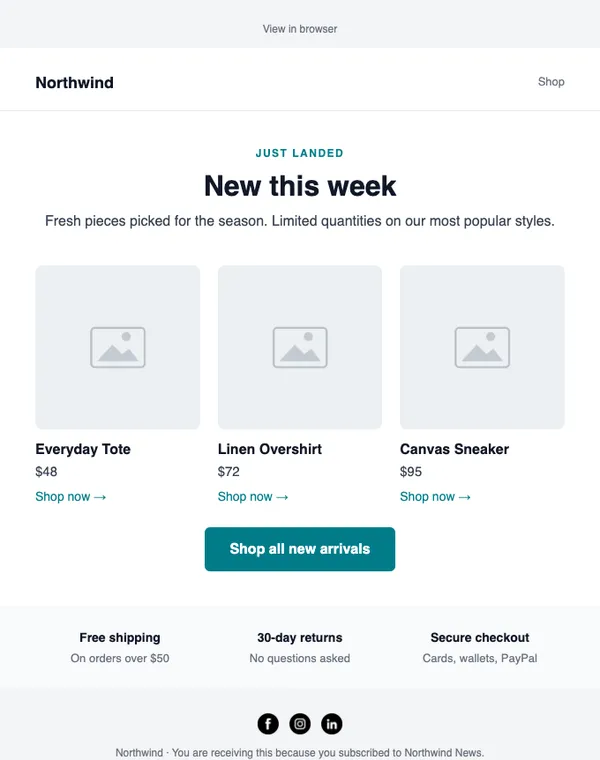
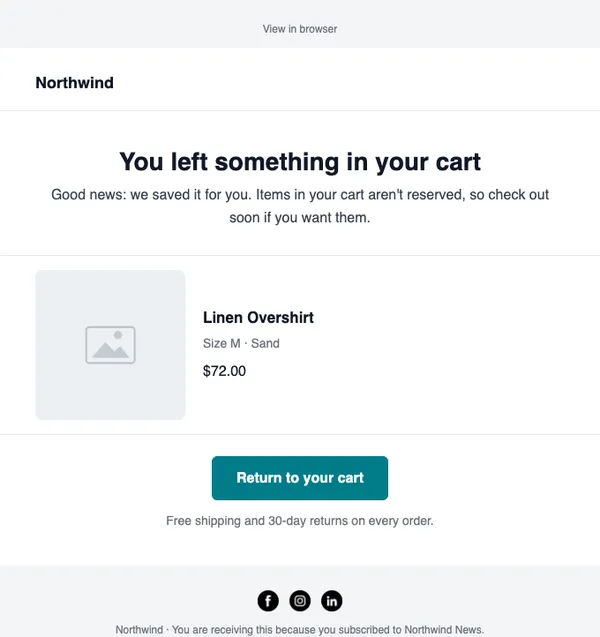
When to send: Automatically, from your Shopify or WooCommerce store: new arrivals, abandoned carts and after an order.
Read about abandoned cartThree tips
- Pull products straight from your store so prices and images are right.
- For carts, send the first reminder within a few hours.
- After an order, help first and sell second.
Subject lines to try
- You left something in your cart
- Just landed: the new collection
- Your order is on its way
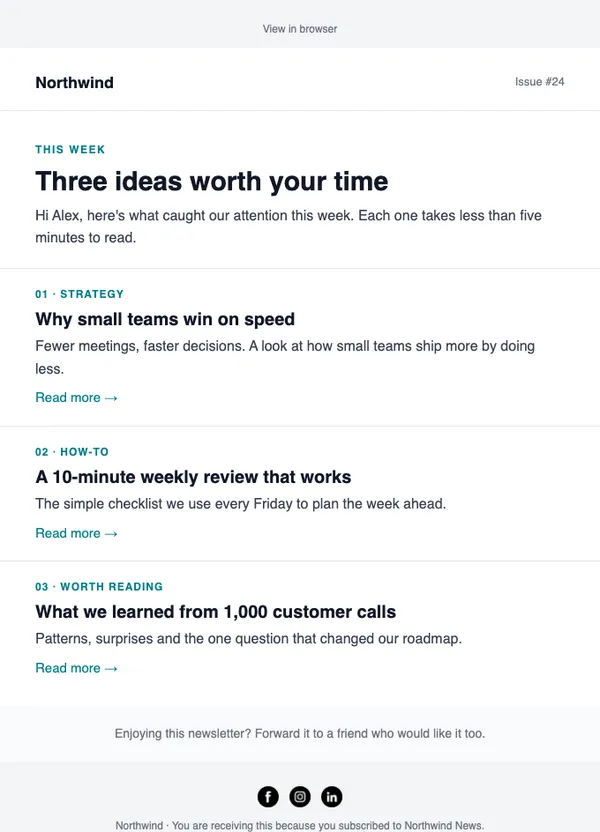
AI can write more in your brand voice.
Keep browsing
All templatesMore email templates
Use this template free
Every design is included on every plan, including the free one.