F-04 · Popup
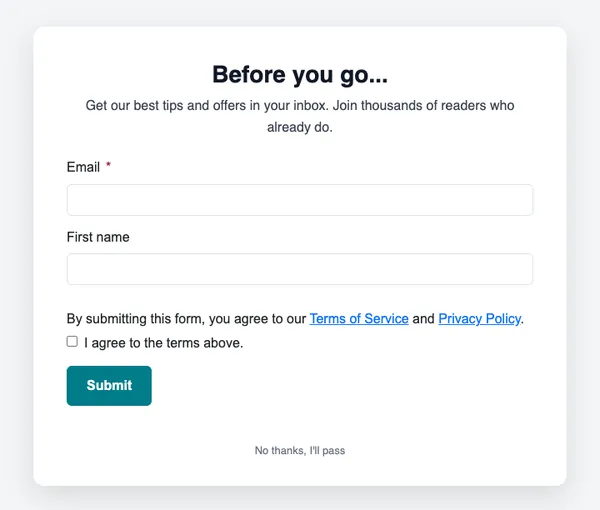
Before you go
Shows when a visitor is about to leave.
- Good for exit intent
- Good for last-chance offers
- Good for newsletter capture
Free on every planYour brand appliedMobile-ready
How to use it
From template to sent in three steps
STEP 1
Open the forms catalog
In SendCoop, go to Forms → Forms & popups catalog and pick F-04.
STEP 2
Connect a list
Choose the list new subscribers join, the fields to ask for and a tag to add.
STEP 3
Choose when it shows
Set the trigger, then paste one snippet into your site.
Tips
Getting the most from a popup
Where to use it: On a delay, when a button is clicked, or when a visitor is about to leave.
Read about popupsThree tips
- Offer something specific: a code, a guide or early access.
- Show it once per visitor, not on every page view.
- Keep it short enough to read in three seconds.
Keep browsing
All templatesMore forms and popups
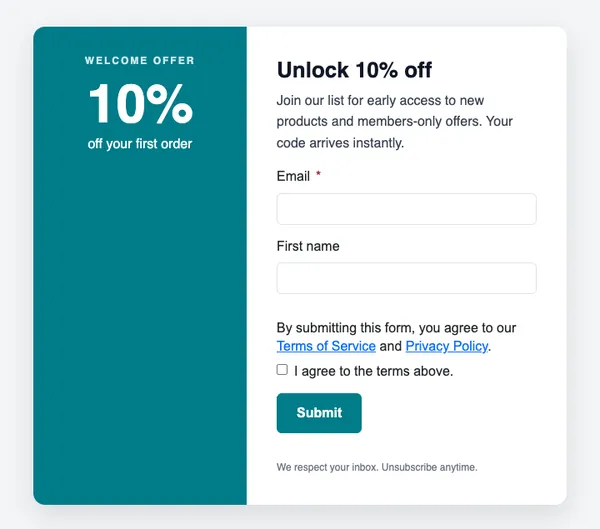
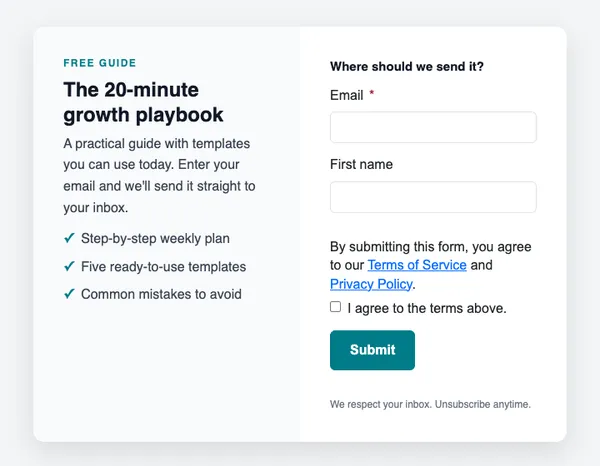
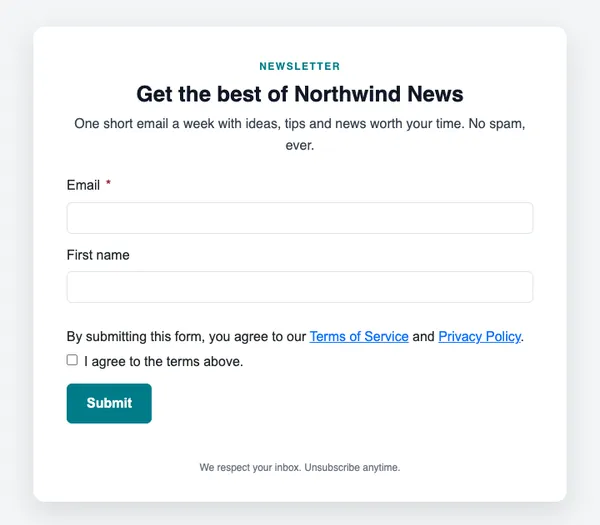
Use this template free
Every design is included on every plan, including the free one.