Templates for every kind of campaign
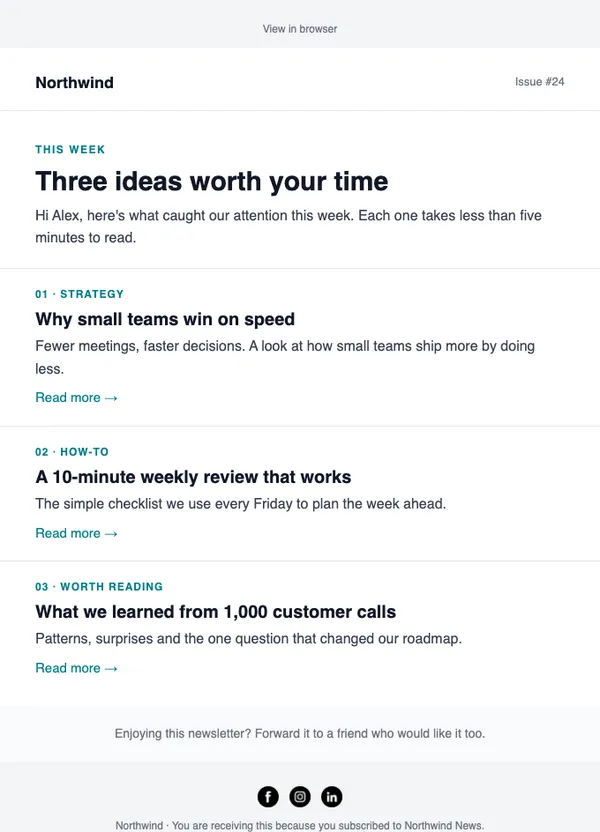
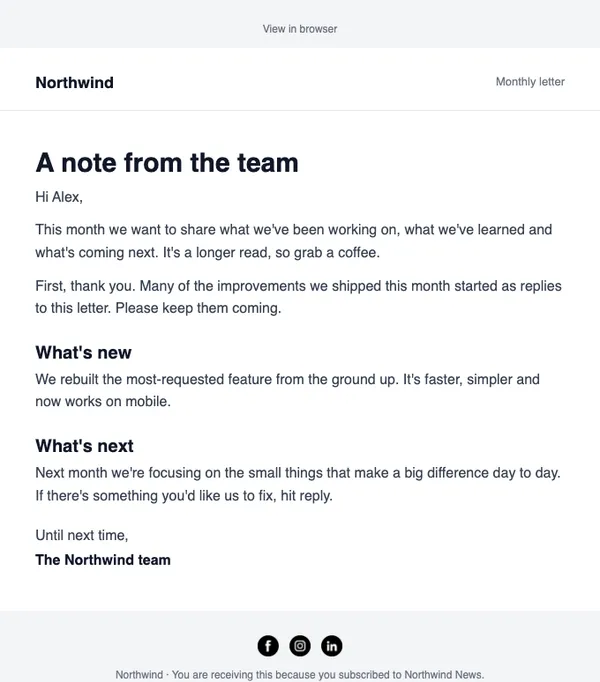
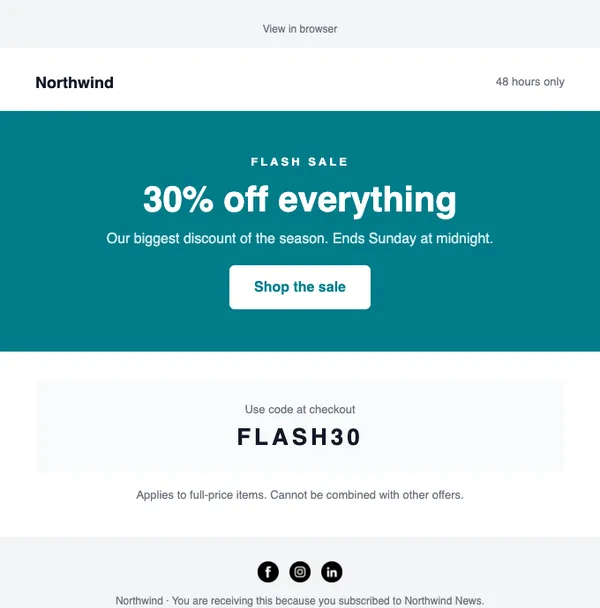
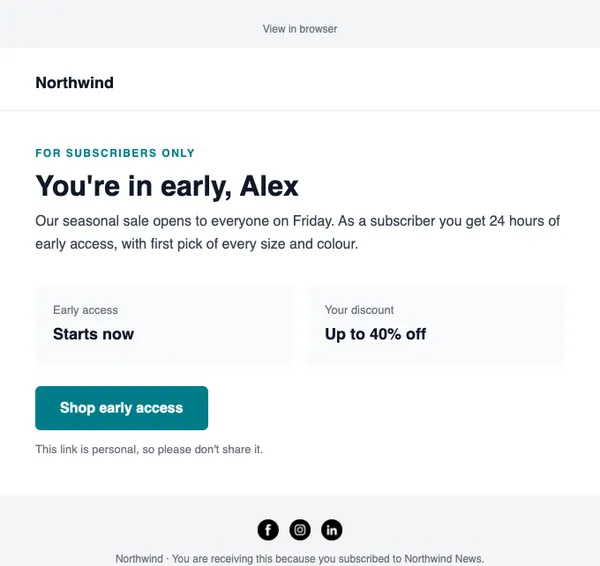
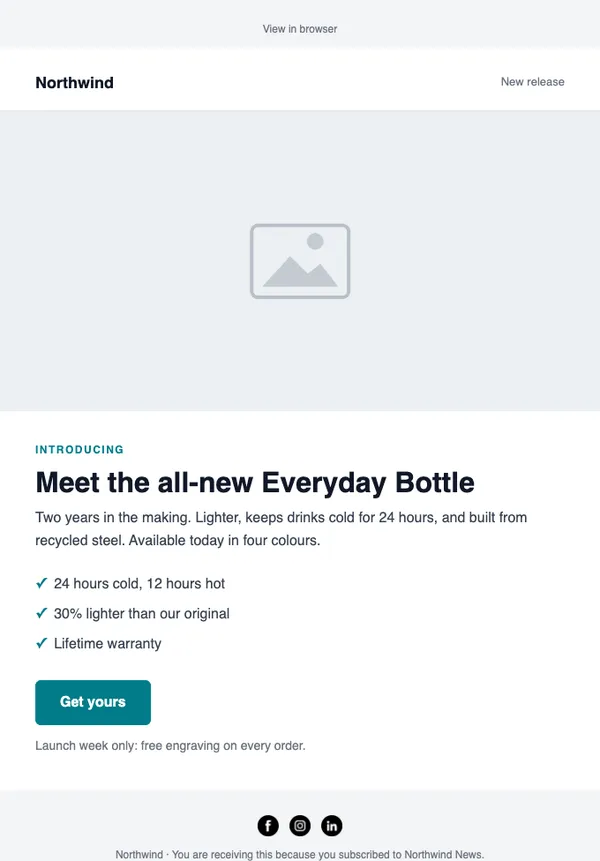
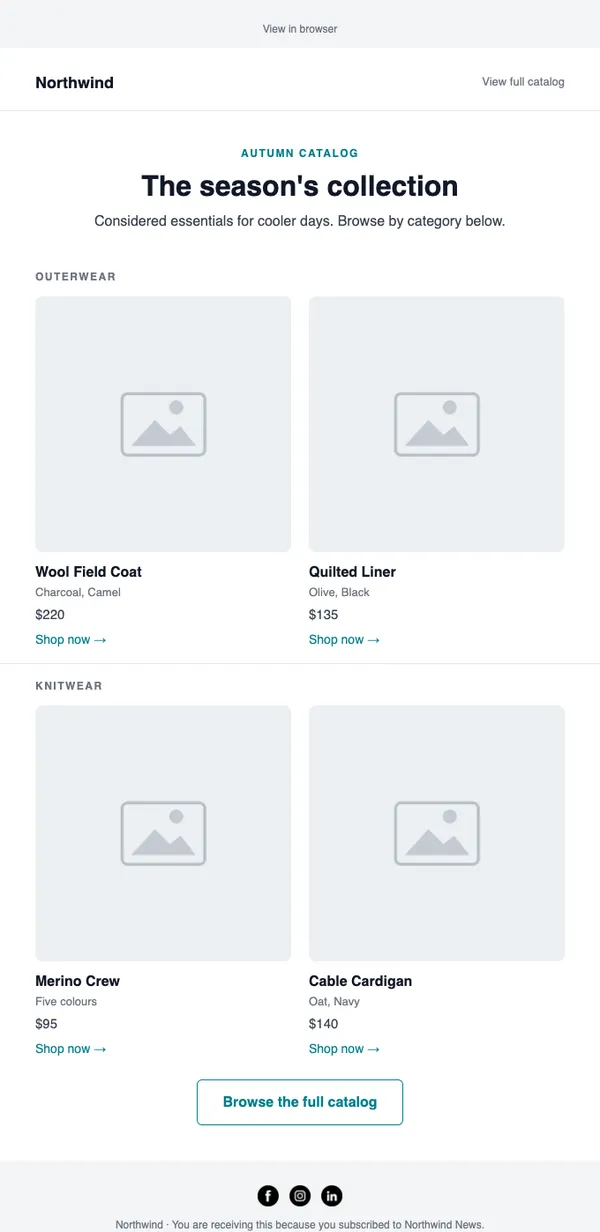
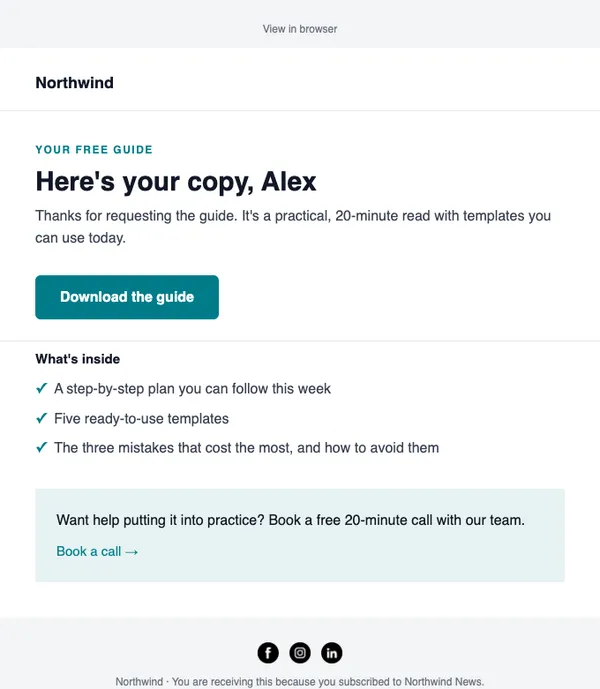
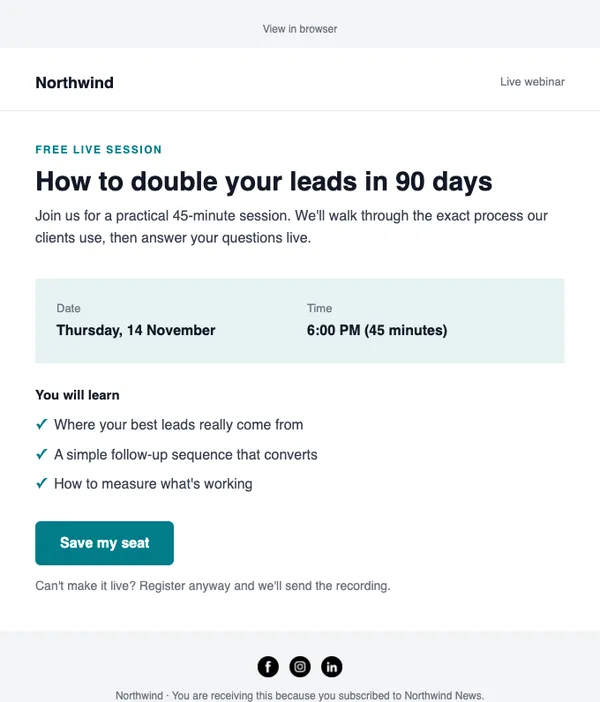
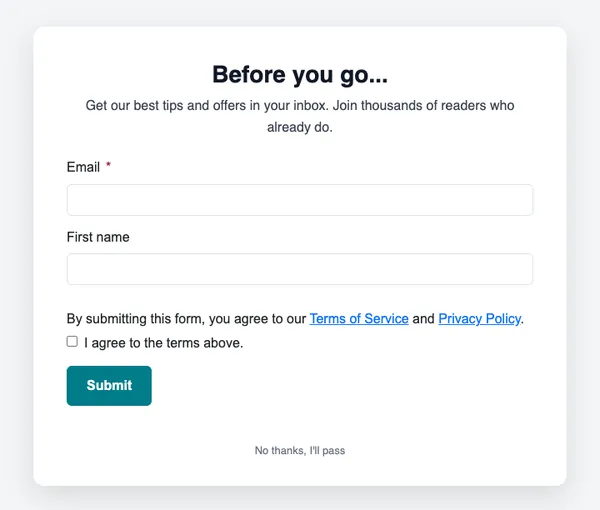
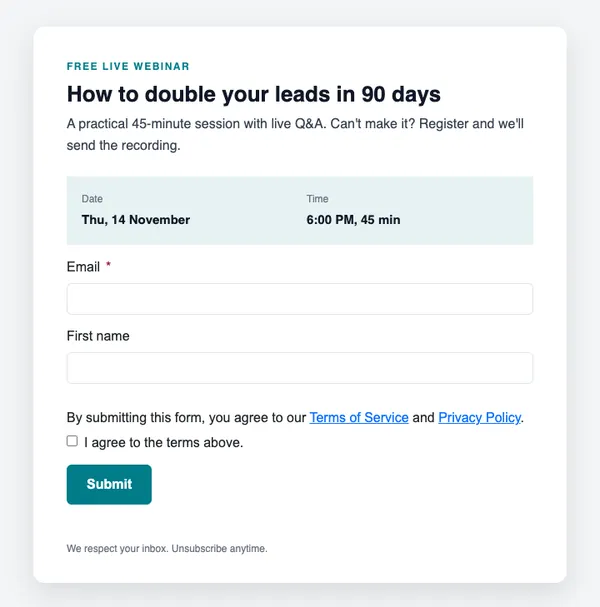
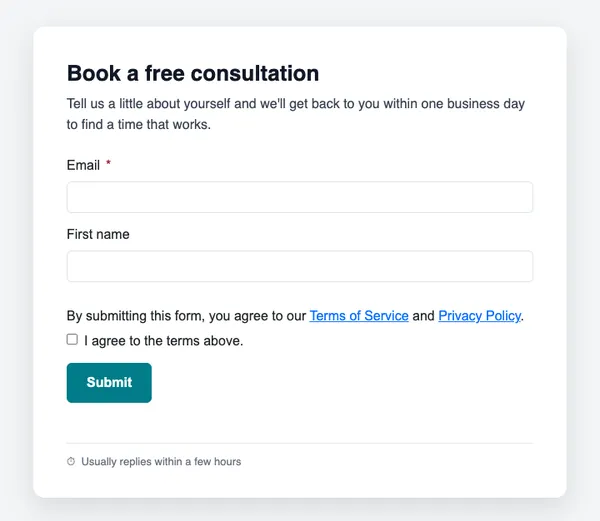
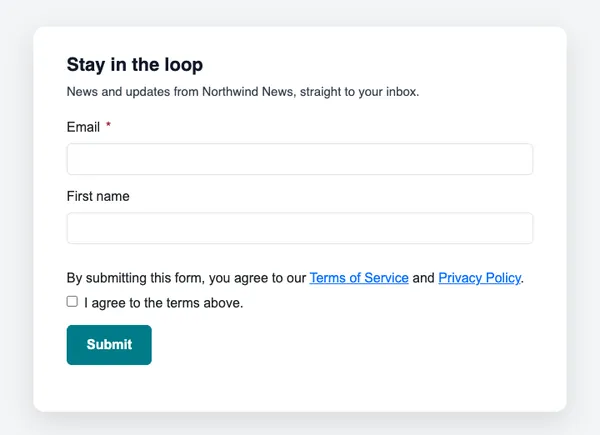
17 emails and 7 forms and popups, each with a code. Open one in SendCoop, add your products, or let AI write it for your offer.
- Sales, launches, newsletters and abandoned carts
- Sign-up forms and discount, guide and exit popups
- Your logo, colors and fonts applied automatically
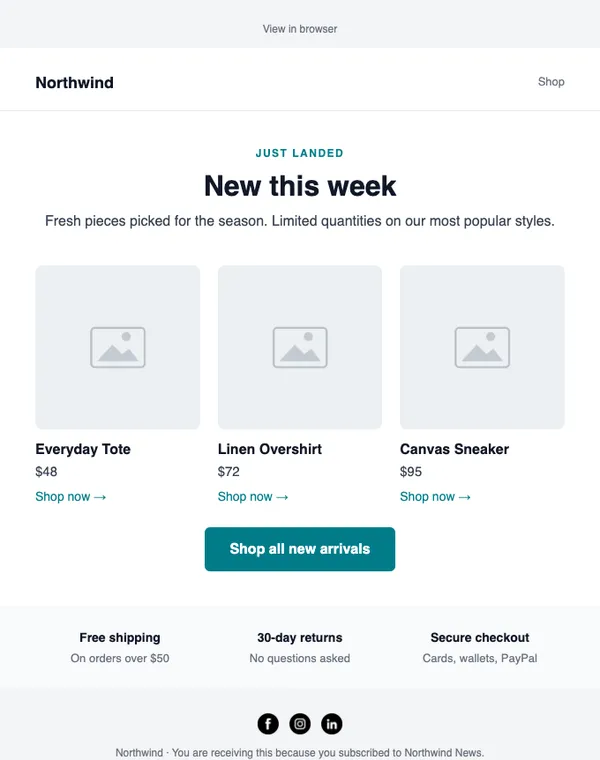
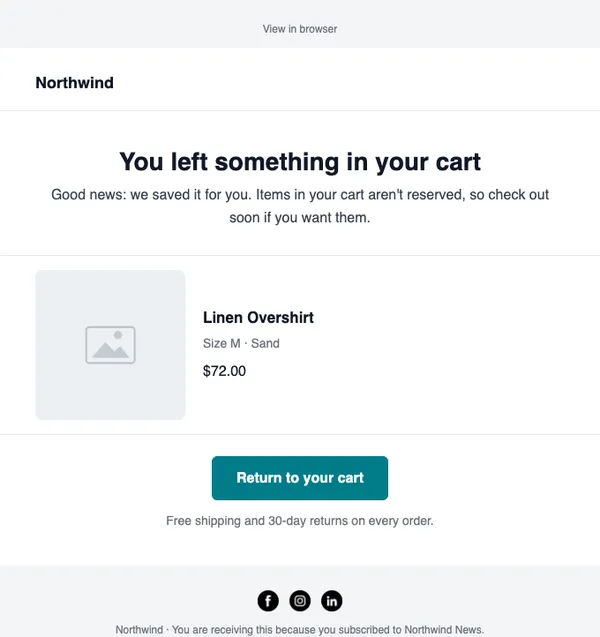
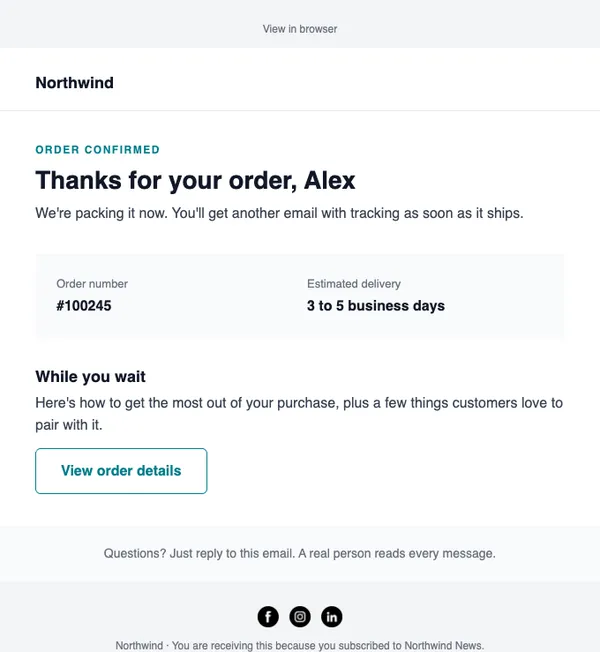
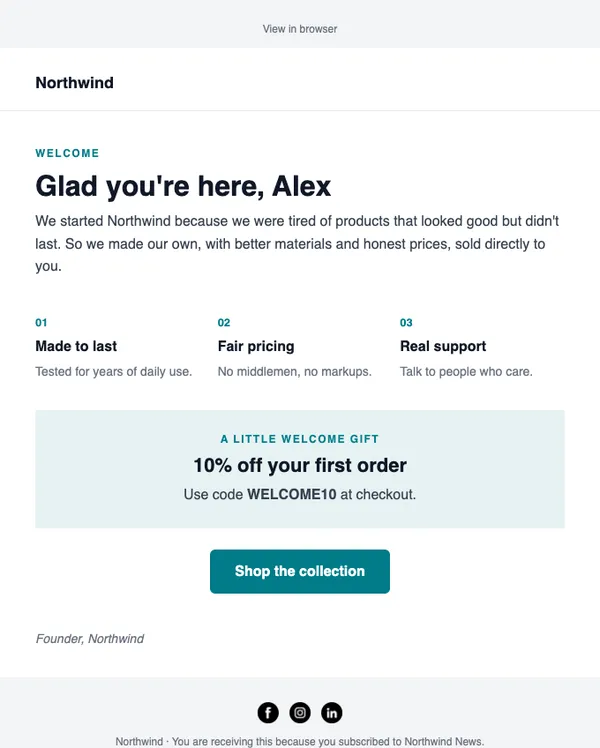
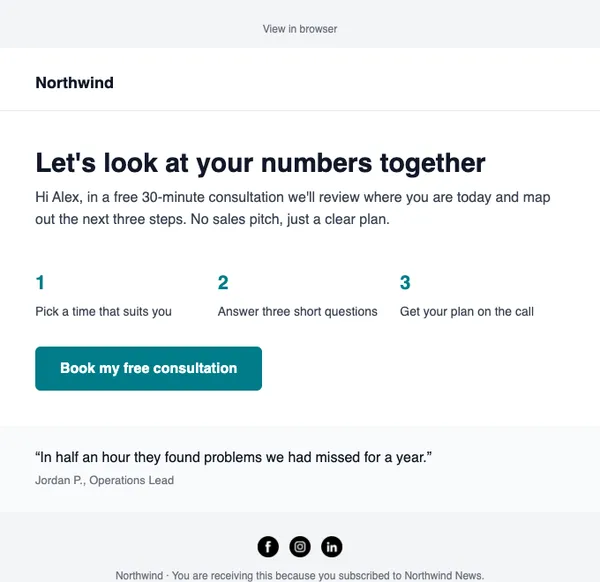
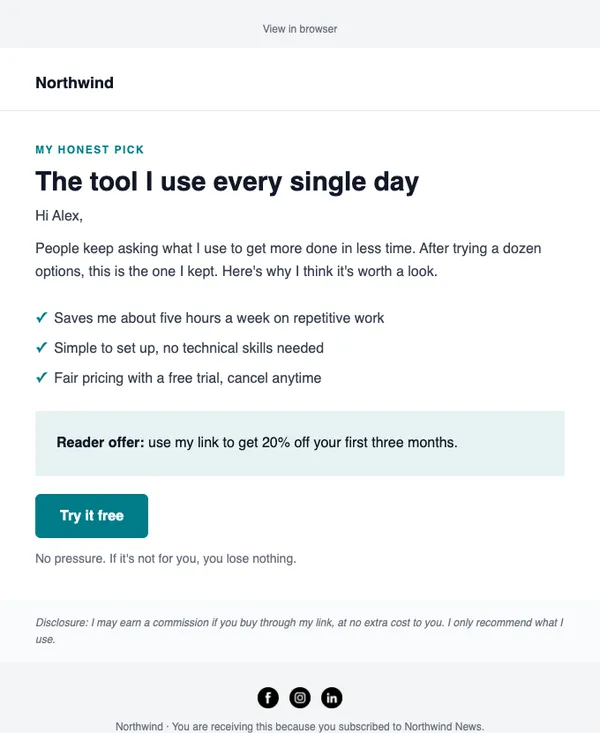
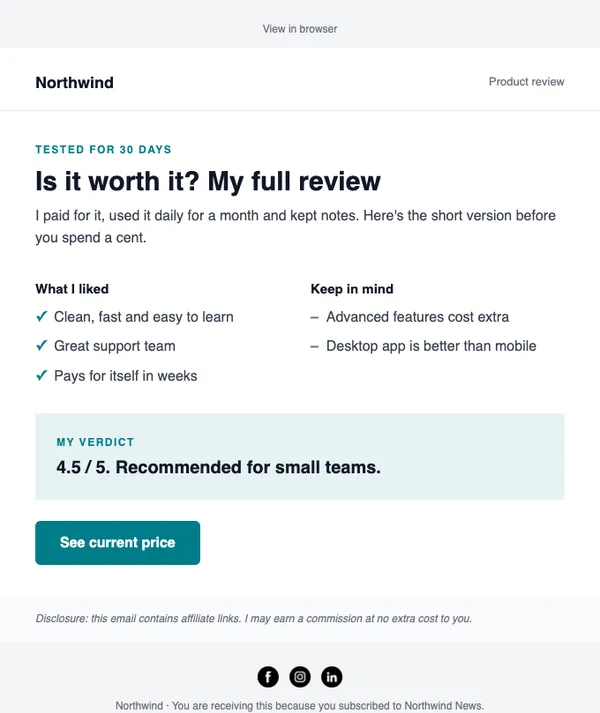
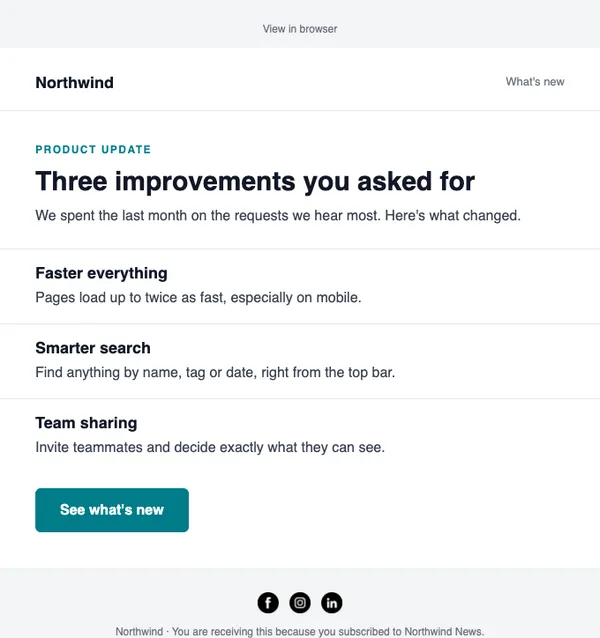
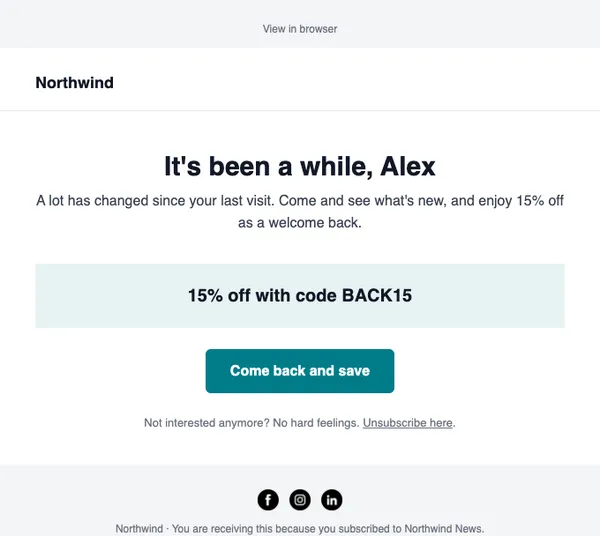
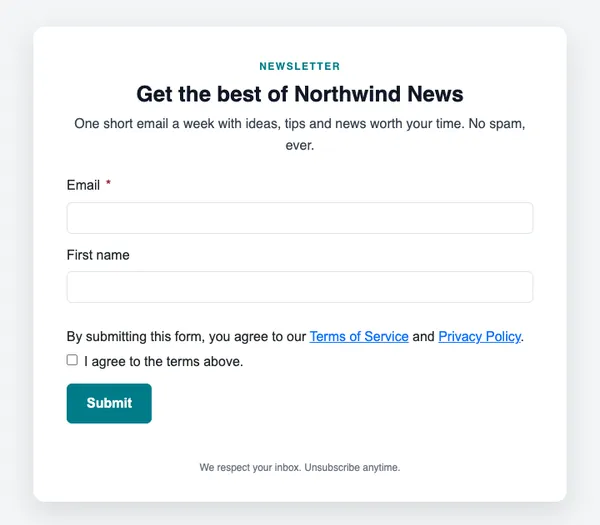
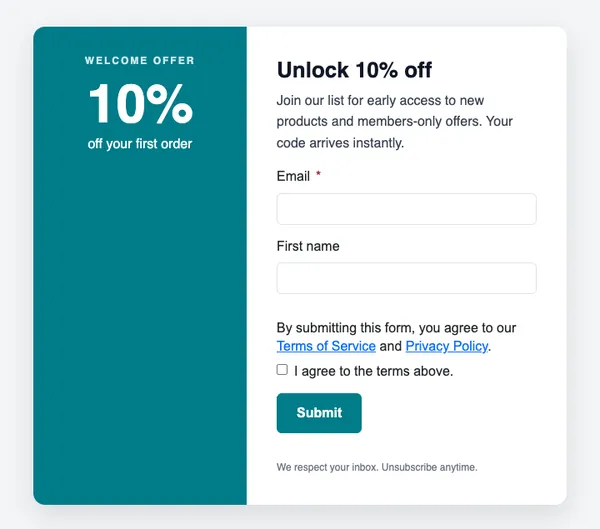
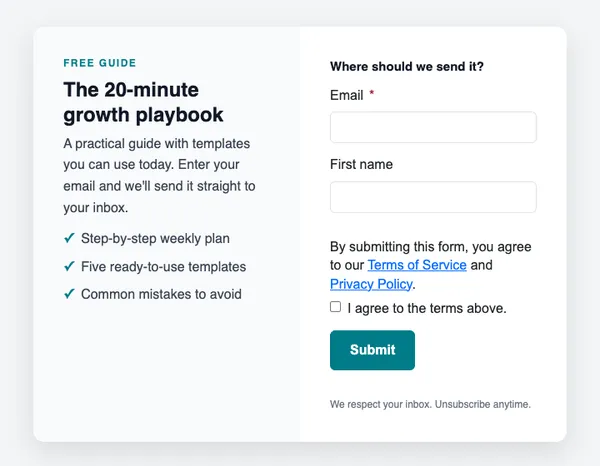
From layout to inbox in minutes
Pick a code
Every design has a code, like E-07 for the abandoned-cart reminder. Find it here or in the app’s catalog.
Make it yours
Your brand kit is applied. Add products from your store, or let AI write the words.
Send or automate
Use it in a campaign, or as a step in an automation such as a welcome series.
About templates
Are the templates free?
Yes. Every email and form in the catalog is included on every plan, including the free one.
Will a template match my brand?
Yes. Save your logo, colors and fonts in the brand kit once, and every template you open from the catalog uses them.
Can I change the layout?
Yes. Templates open in the drag-and-drop editor, where you can add, move or remove any section.
Can AI write the content?
Yes. Describe your offer in one line and AI fills every headline, paragraph and button. Always read it before you send.
Use any template free
Every design is included on every plan, including the free one.